
Knowledge
A set of fields for event registration form templates by type of event
A running race form copied from a conference form lacks shirt size; a company party form copied from a race form asks for an unnecessary date of birth. This article gives you a set of template fields for five common types of event, each with whether it is required or optional, which field type to use and why to ask. Copy the table, drop the rows you do not use, then build the form.
How to use the event registration form templates in this article
Each table has four columns: field name, level, field type and reason for asking. Before copying, ask three questions for each row:
- On the day of the event, who uses this information? If nobody does, drop it.
- Can it be asked later? Shirt size can be asked in the schedule reminder email; opinions and ratings are saved for the post-event survey.
- Can attendees answer in a few seconds? A question that makes them look up documents easily makes them abandon the form.
The common core for every template is Full name, Email (where the ticket is received) and Phone number (for lookup at the desk). The tables only list what is added on top of that core. General principles for choosing fields are in the article on what an attendee registration form should ask.
Registration form template for conferences
| Field | Level | Field type | Reason |
|---|---|---|---|
| Organization | Required | Text | Printing on badges, statistics on attendee mix |
| Job title | Optional | Text | Printing on badges, seating senior guests |
| Audience group | Required | Choice list: Business, Government agency, Press, Other | Splitting seating areas, counting people by group |
| Session to attend | Optional | Choice list | Forecasting seats per room when there are parallel sessions |
| Dietary needs | Optional | Choice list: None, Vegetarian, Other | Ordering lunch and tea-break portions |
If the badge prints the organization name, put an example of how to write it right in the field label. Suggestions for badge content are in the article on conference badge size and content.
Registration form template for workshops and classes
| Field | Level | Field type | Reason |
|---|---|---|---|
| Current level | Required | Choice list: Beginner, Some background, Advanced | The instructor adjusts content and splits practice groups |
| What you want to learn | Optional | Text | Preparing examples that fit their needs |
| Bringing a laptop | Required if there is hands-on practice | Choice list: Yes, No | Preparing spare machines and power outlets |
For paid classes, ask for invoicing information at the payment step, not from everyone.
Registration form template for company parties and galas
| Field | Level | Field type | Reason |
|---|---|---|---|
| Employee ID | Required for internal parties | Text, character limit matching the company's ID format | Matching the staff list, preventing registration on behalf of others |
| Department, branch | Required | Choice list | Seating tables by unit, statistics on attendance rate |
| Bringing family | Optional | Choice list: No, 1 person, 2 people | Counting places and seats |
| Vegetarian or allergies | Optional | Text | Informing the restaurant in advance |
An internal party does not need to ask for job title because the company already has that data.
Registration form template for running races and sports events
| Field | Level | Field type | Reason |
|---|---|---|---|
| Distance or competition category | Required | Choice list (or split into ticket types) | Assigning BIB numbers, arranging start waves |
| Shirt size | Required | Choice list: XS, S, M, L, XL, XXL | Ordering the right number of shirts to print |
| Year of birth | Required if splitting by age group | Text, digits only, exactly 4 digits | Splitting age groups; usually enough in place of a full date of birth |
| Emergency contact and phone number | Required | Text; Phone number | The medical team calls when an athlete has a problem |
| ID document number | Only if the insurer requires it | Text, digits only, exactly 12 digits | Compiling the insurance list |
The ID document number is sensitive data, so limit who can view it. For BIB collection, see the article on check-in and BIB collection at running races.
Registration form template for admissions fairs and job fairs
| Field | Level | Field type | Reason |
|---|---|---|---|
| You are (admissions) | Required | Choice list: Student, Parent, Teacher | Preparing suitable materials and advisors |
| Major of interest (admissions) | Required | Choice list | Directing visitors to the right advising booth |
| Position or field of interest (jobs) | Required | Choice list | Sending the list to participating businesses |
| Level, graduation year (jobs) | Optional | Choice list | Businesses prepare suitable positions |
For minor students, it is best to have parents register. How to receive large crowds at fairs is in the article on job fair check-in.
Data processing consent sentence: a suggestion for you to adapt
Put this sentence right next to the submit button, stating clearly who collects the data, what it is collected for and where to make contact. A reference frame:
"By registering, I agree that [organizing entity name] may use the above information to send tickets, make contact and welcome me at [event name]. I can ask to view, edit or delete my information through [contact email]."
Sharing information with sponsors is a different purpose, so keep it separate. The sample sentence is only a general suggestion, not legal advice; ask your legal team to review it against current personal data protection regulations. Read more on protecting attendee data.
Building a registration form template in Tickmi Studio
- On the Attendees page, click Information fields, then Create new field. Enter the Field name and choose the Data type: Free text, Choice list (options separated by commas) or Image.
- For a text field, What will registrants enter? lets you choose Any text, Digits only, Phone number or Email, along with a length; the Try entering box helps you check in advance.
- Click Turn on to use the field for the current ticket product. Fields are shared across the whole organization, so editing or deleting a field affects every ticket product that uses it.
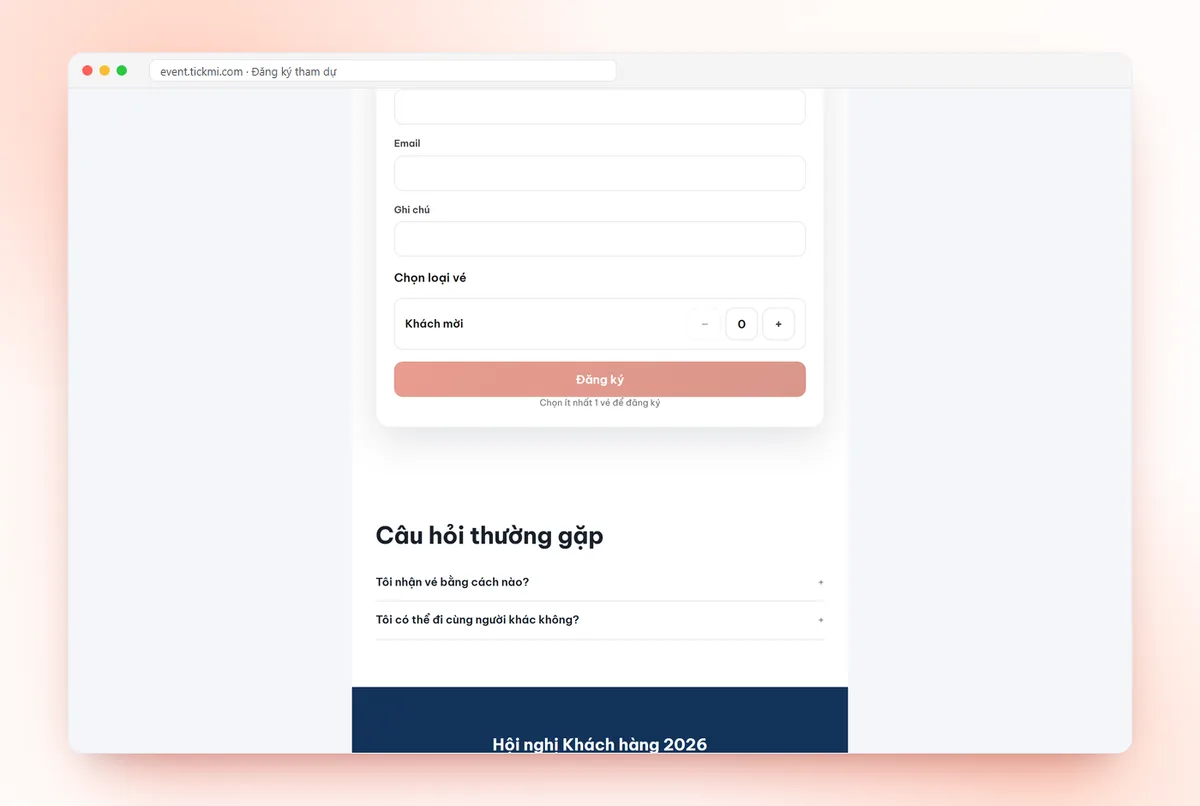
- Open the registration page template and choose the form block. Under Attendee information to fill in, turn on the fields to show, tick Required, click the name to change the display name and use the arrows to set the order. Full name is always shown and required; the ticket type selector is always there.
The form does not yet have its own consent tick box, so the data consent sentence should be placed as a text block right next to the form in the designer. The steps to turn on the public page are in the guide to creating a registration page, and the information fields part is in attendee management. You can try it with 100 free ticket issuance quota; an overview of features is on the online registration page.
Common mistakes when using registration form templates
- Leaving a choice field as a free-text box. "Vegetarian", "vegetarain", "veg" become three groups when filtering.
- Not noticing the preselected option. In Tickmi, a choice-list field set as required preselects the first option. Put the safe option first (for example "None" for dietary needs), or leave the field optional if you need registrants to choose for themselves.
- Forgetting that new fields appear automatically. In Tickmi, a field you just turned on for the ticket product automatically appears on the form as not required. Review the form every time you add a field.
- Editing an organization field name for one event. That changes it for the other events too. To change the wording for just one form, use the display name change in the form block.
- Making too much required. Only require fields without which you cannot welcome the person.
About Tickmi
Tickmi is a ticketing and attendee experience platform (Ticketing & Participant Experience Platform). On one unified set of attendee data, Tickmi connects the whole journey: issuing invitation tickets, registration tickets and paid tickets, sending branded QR tickets, checking in by app, kiosk or scanner — even when the network is down — and then the welcome screen, lucky draw, polls, quizzes and surveys. Tickmi is trusted by organizations such as Viettel, VNPT, MobiFone, FPT and CMC. Learn about Tickmi or try it free.
Frequently asked questions
What fields does an event registration form template need at a minimum?
Full name, an email to receive the ticket and a phone number for lookup at the desk. Then add one to three fields specific to the type of event, for example organization for a conference or shirt size for a running race.
When should I use a choice list instead of a text box?
When the answer has a fixed set of values such as shirt size, distance, department or dietary needs. A choice list keeps data uniform for filtering, counting and printing on badges.
Does Tickmi validate phone number or employee ID formats?
Yes. A text field has a What will registrants enter? setting to choose Any text, Digits only, Phone number or Email and to limit the length, for example an employee ID of exactly 6 digits. Registrants who enter it wrongly see an error message.
Should I ask for the national ID number in a registration form?
Only when truly necessary, for example when a running race's insurer requires it. This is sensitive data, so limit who can view it and ask your legal team to review the handling process.
Where should the data consent sentence go on the form?
Right above the submit button, stating which entity collects the data, what it is used for and where to make contact. In Tickmi, the form does not yet have its own consent tick box, so place the sentence as a text block next to the form in the registration page designer.
Issue QR tickets, send emails, check in and engage attendees on one platform.