
Knowledge
Free or paid: choose a registration model to reduce no-shows
A free event easily fills the list but not the hall. Charging brings a higher turnout relative to registrations, but total registrations may drop. This article helps you choose the registration model that fits your goal, estimate how many registrations to accept, and avoid the mistakes that make both approaches fail.
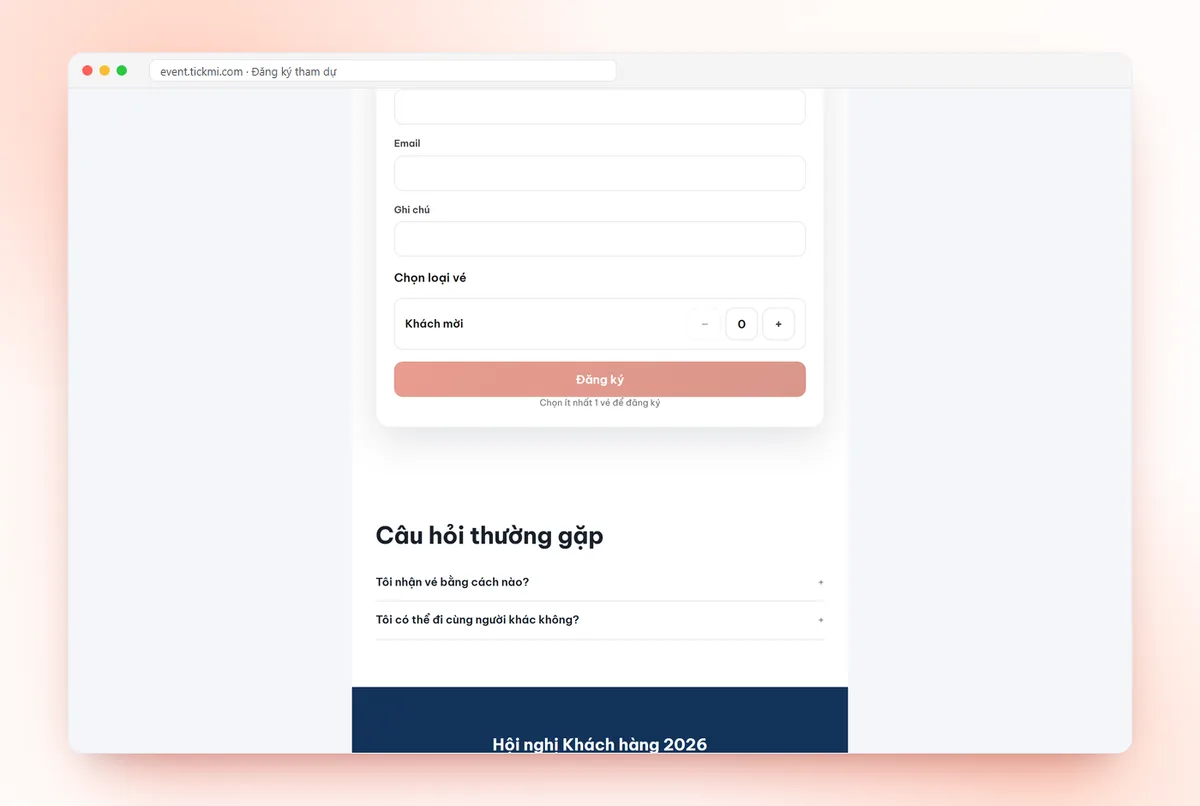
Why do free registrations often have many no-shows?
When clicking register costs nothing, people register "just in case", then reconsider on the day. No one loses anything by staying away, so a clashing meeting or a rainy day is reason enough to stay home. This phenomenon is called a no-show: registered or holding a ticket but not showing up.
There are two approaches: increase commitment at registration (charge, approve, ask for more information), or accept the no-show rate and take more registrations than the capacity. The right choice depends on what you need most.
4 ways to open registration and their effect on no-shows
| Option | Registrant commitment | Registrations | Best for |
|---|---|---|---|
| Free, auto-approved | Low | Highest | Open events that need wide reach, with spare room in the hall |
| Free, manually approved | Medium | High, but tickets only go to suitable people | Professional seminars, limited seats, a specific audience needed |
| Token fee | Fairly high | Clearly lower than free | Workshops, short classes, events with meals or materials |
| Full price | High | Depends on the value of the content | Events where revenue is the goal |
No option eliminates no-shows completely. The difference is only in degree, and in whether you know in advance so you can prepare.
Choosing free or paid registration by goal
Answer these three questions before deciding:
- What is the main goal? If it is to collect a list of interested people, such as a product launch or brand seminar, then registrants who do not show up still have value. Keep it free. If the goal is to fill a fixed number of seats, commitment matters more than volume.
- Is the cost per attendee large? Meals, gifts, printed materials, seats rented per head. Every no-show is a waste, so charging or manual approval is worth the effort.
- Are attendees used to paying for this kind of content? For learners and professionals who want to build skills, a small fee is normal. For customers invited as a thank-you, charging would feel off. In that case use invitations and attendance confirmation (RSVP) instead of open registration.
Estimating how many registrations to accept
If you choose free, you usually have to accept more registrations than seats. Do not guess this number; take it from your own previous event:
- Show-up rate = number of check-ins ÷ number of tickets issued.
- Registrations to accept = capacity ÷ show-up rate.
Hypothetical example: a hall of 200 seats, last time 300 tickets were issued and 180 people checked in, so the show-up rate is 60%. This time you can accept about 200 ÷ 0.6 ≈ 333 registrations. If this event differs from the last in timing, venue or audience, the show-up rate will differ too: accept a little fewer than the calculated number and prepare backup space.
The condition for having this data is that each person has their own ticket and is scanned at the gate. A paper list only gives you an estimate.
One note: Tickmi does not close registration automatically when it is full and has no waitlist. When you see it is full, stop it yourself by turning off Allow registration for the ticket type or moving Registration until to now. If you need tight control, turn off auto-approval so tickets are only issued to the number of people you approve.
Setting up each option in Tickmi Studio
Each ticket type chooses its own issuance method in Settings → Ticket types:
- Free: the Open registration tab, turn on Allow registration, set the Maximum tickets per registration and Registration from, Registration until. Turn Auto-approve registrations on or off depending on the option you chose in the table above. Detailed steps are in the guide to creating a registration page.
- Paid: the Sales tab, enter the Price, Maximum per order and the sales period. Buyers pay through VNPay on the ticket purchase page and receive a QR ticket by email. See the guide to selling tickets online.
You can combine them in the same ticket product: for example, a "Guest" ticket type issued free through a list, and a "General" ticket type on sale. After the event, filter the attendee list by ticket type to compare show-up rates between the two groups.
Charging requires a clear refund policy
Charging makes people think harder, but it also raises the question: "If I am busy, do I get a refund?". Publish it in advance on the ticket purchase page and in the ticket email:
- Whether refunds are available, and the deadline to request one (for example: 3 days before the event).
- Whether tickets can be transferred to someone else.
- What happens if the organizer reschedules or cancels the event.
On Tickmi, buyers submit a refund request from the order page, and the organizer approves or declines it with a reason. When refunded, the order's tickets are cancelled and the spots are released for resale. See the process in the guide to revenue, reconciliation and refunds.
Some organizers use a "commitment fee": collect an amount and return it to those who attended. It sounds fair but takes effort to reconcile person by person, and some transaction costs may not be recoverable. Use it only when you already have staff to handle it.
Common mistakes
- Charging but with a thin ticket page. When people have to pay, they read more carefully. Missing speakers, agenda or benefits sharply reduces registrations.
- Free, over-accepting beyond capacity with no fallback. If everyone shows up that day, you need extra seats, a standing area or a secondary screen.
- Manual approval but approving too late. Registrants who wait too long without a ticket will make other plans. Set a fixed approval schedule, for example every afternoon.
- Not measuring after the event. Without the actual show-up rate you will be guessing again next time. How to measure and reminder tactics are in how to increase the rate of registrants who attend.
To see how Tickmi combines the registration page, approval, ticket delivery and check-in in one flow, see the online registration page solution; if you choose to charge, also see selling tickets online.
About Tickmi
Tickmi is a ticketing and participant experience platform. On a single, unified set of attendee data, Tickmi connects the whole journey: issuing invitation, registration and paid tickets, sending branded QR tickets, checking in with an app, kiosk or scanner (even offline), and then moving on to the welcome screen, lucky draw, polls, quizzes and surveys. Tickmi is trusted by organizations such as Viettel, VNPT, MobiFone, FPT and CMC. Learn about Tickmi or try it free.
Frequently asked questions
Does charging definitely reduce no-shows?
Usually it does, because people who have paid have a reason to come. But it does not eliminate them completely, and total registrations may also drop. Decide based on your goal: wide reach or filling an exact number of seats.
How far over capacity should I accept registrations?
Take the actual show-up rate of the previous event (check-ins divided by tickets issued), then divide capacity by that rate. If you have no data yet, over-accept only slightly and prepare backup space.
Can one event have both free tickets and paid tickets?
Yes. In Tickmi Studio, each ticket type chooses its own issuance method: the Open registration tab for free tickets, the Sales tab for paid tickets. You can use several ticket types in the same ticket product.
If a ticket buyer cannot attend, do they get a refund?
It depends on the policy you publish. On Tickmi, buyers submit a refund request from the order page and the organizer decides to approve or decline. When refunded, the ticket is cancelled and the spot is released for resale.
Does Tickmi have a waitlist when full?
No, and Tickmi does not close registration automatically when it is full. You monitor the number of registrants and turn off Allow registration yourself, or turn off auto-approval so tickets are only issued to the number of people you approve.
Issue QR tickets, send emails, check in and engage attendees on one platform.