
Knowledge
A map of event check-in software in Vietnam: choose the group first, the name later
Type "event check-in software" and you will meet dozens of names in "top 10" articles. Instead of comparing name by name, first work out which group of solutions suits your program. This article splits the common options in Vietnam into 5 groups, with strengths, weaknesses and the questions to ask when trialing each one.
Why choose by group of check-in software
Software in the same group tends to be similar in how it works, how it charges and where its limits are. Pick the wrong group and changing names just brings back the same old problems: for example, using a mass-market ticket-selling platform for an internal conference with named invitations, or using a free form for a 2,000-person program.
Before reading on, answer quickly: are attendees invited, do they register themselves, or do they buy tickets? How many people, how many gates? Do you need your own branding on tickets and emails? Do you already have a CRM?
5 common groups of event check-in software
| Group | Suited to | Strengths | What to check |
|---|---|---|---|
| 1. DIY: form + spreadsheet + QR scanning app | Under a few hundred people, one-off | No software fees, flexible | Sending tickets one by one, duplicate data, no real-time reports |
| 2. Mass-market ticket-selling platforms | Public ticket-selling programs: music, sports | A ready-made sales channel and buyers | How customizable tickets, emails and attendee data are for named-invitation programs |
| 3. Event modules inside a CRM | Companies that already use that CRM | Data flows straight into the CRM | You must adopt the whole CRM; whether on-site tools (kiosk, badge printing) are sufficient |
| 4. International software | International conferences, large budgets | Many features, already used in many countries | Vietnamese language, domestic payments, support in Vietnam time, costs in USD |
| 5. Dedicated ticketing and check-in platforms | Conferences, seminars, internal programs, festivals | The full chain of invite - ticket - check-in - engagement in one place | The scale already served, check-in when offline, how fees are calculated |
There are also providers who supply a full package with on-site staff and equipment. This suits you when you have no operations team, but ask clearly who owns the attendee data after the program.
Questions to ask when trialing check-in software
- How are tickets sent? Is there bulk email under your own branding, and can you track who hasn't received theirs?
- What happens at the gate when the network drops? Is there offline scanning that syncs automatically when the network returns?
- How are people who forgot their ticket handled? Search by name, phone number, enter a ticket code?
- What equipment is needed? Only phones, or do you have to rent scanners and kiosks?
- Staff permissions: can volunteers see all the data?
- What comes after check-in? Are the welcome screen, badge printing, lucky draw and voting on the same data, or do you have to export and import back and forth?
- Data after the program: what can be exported, and who is allowed to export it?
A fuller list of criteria with scoring is in the article criteria for choosing ticketing and check-in software.
Suggested group by type of program
| Program | Group to look at first |
|---|---|
| Customer conferences, partner appreciation (named invitations) | Group 5, or group 3 if you already have a CRM |
| Open-registration seminars, workshops | Group 5; group 1 if very small |
| Concerts, tournaments with mass-market ticket sales | Group 2, or group 5 with ticket sales |
| Year-end parties, internal congresses | Group 5 (you also need lucky draw and voting) |
| International conferences with many sessions and languages | Group 4, or group 5 with an English interface |
Which group is Tickmi in
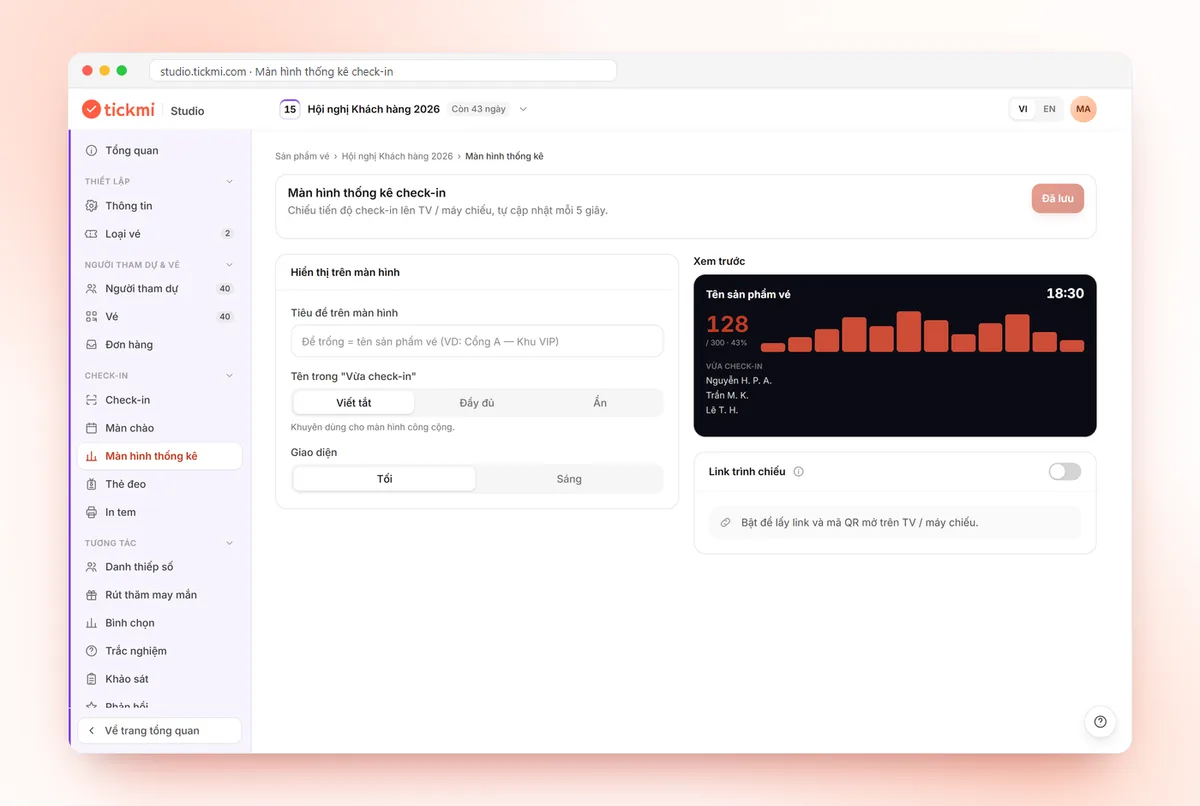
Tickmi is a ticketing and attendee experience platform, in group 5. On a single attendee list, you issue invitation tickets, open registration or sell tickets, send QR tickets by email, check in with the app (even when offline), a self check-in kiosk or a barcode reader, follow progress on the statistics screen, then move on to the welcome screen, badge printing, lucky draw and voting.
New accounts get 100 free units of ticket issuance quota so you can run a trial with a real program before deciding. Plans for when you need more are at Tickmi pricing.
What Tickmi does not have yet, for you to weigh: no face recognition (see face or QR code check-in) and no seat selection map. The getting-started steps are in the guide to getting started with Tickmi Studio.
Common mistakes when choosing check-in software
- Choosing from a "top 10" list without trying it. Run a trial with 20-30 real tickets internally before the event day.
- Only looking at the code scanning part. The most laborious parts are usually sending tickets, correcting information and handling people who forgot their ticket.
- Not asking about offline. Crowded lobbies often lose signal exactly at peak time.
- Ignoring data after the program. If you can't export data, you can't write reports or follow up with attendees.
See how Tickmi handles this whole chain on the event check-in software page, or the QR code check-in solution.
About Tickmi
Tickmi is a ticketing and attendee experience platform (Ticketing & Participant Experience Platform). On one unified attendee dataset, Tickmi connects the whole journey: issuing invitation, registration and paid tickets, sending branded QR tickets, check-in by app, kiosk or scanner — even offline — then the welcome screen, lucky draw, voting, quizzes and surveys. Tickmi is trusted by organisations such as Viettel, VNPT, MobiFone, FPT and CMC. Learn about Tickmi or try it free.
Frequently asked questions
Is there event check-in software that suits every program?
Rarely. Each group of solutions is strongest for one kind of program. Work out whether attendees are invited, register themselves or buy tickets, along with the scale and number of gates, then choose the group first.
Is DIY with Google Form and a QR scanning app okay?
Yes for small, one-off programs. At larger scale, sending tickets one by one, handling duplicate data and people who forgot their ticket take a lot of effort.
Which group is Tickmi in?
Tickmi is a ticketing and attendee experience platform: issuing invitation tickets, registration, ticket sales, QR ticket delivery, check-in (even offline), welcome screen, badge printing, lucky draw and voting on one dataset.
Is there free event check-in software?
There are free approaches such as DIY with a form and a QR scanning app, suited to small programs. With Tickmi, new accounts get 100 free units of ticket issuance quota to trial the full chain of QR ticket delivery and check-in; see the pricing page for details.
Does Tickmi have face recognition or a seat map?
No. Tickmi checks in with QR tickets and barcodes, and has no seat selection map.
How should I test check-in software before using it for real?
Create 20-30 tickets for internal people, send real emails, test scanning on phones, try turning off the network, try the forgot-ticket case, then export the data to see whether it is sufficient.
Issue QR tickets, send emails, check in and engage attendees on one platform.