
Ticket templates for year-end parties
Tickets for company year-end parties: bright brand colours, trophies and confetti. Awards templates include a photo frame for top performers, a table number and sponsor slots.

Blue Celebration 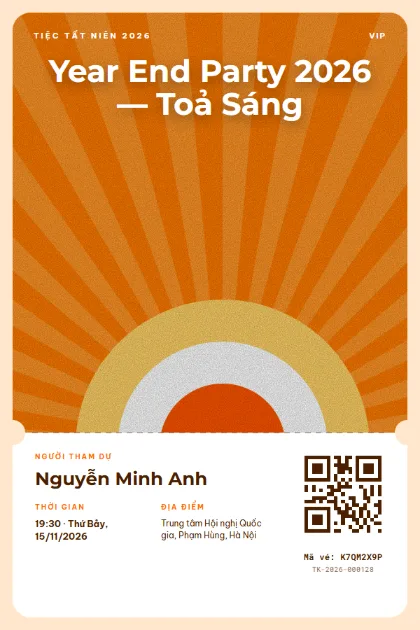
Orange Sunburst 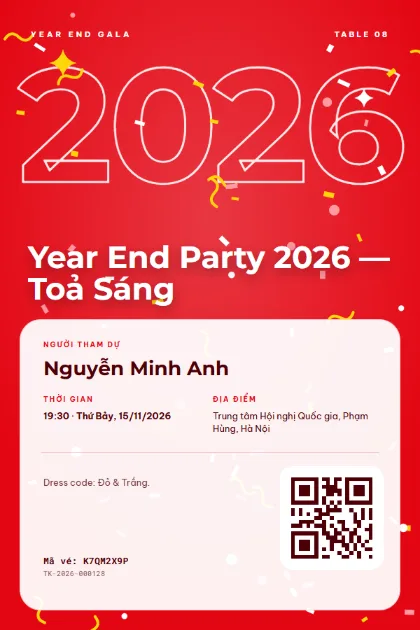
Red Celebration 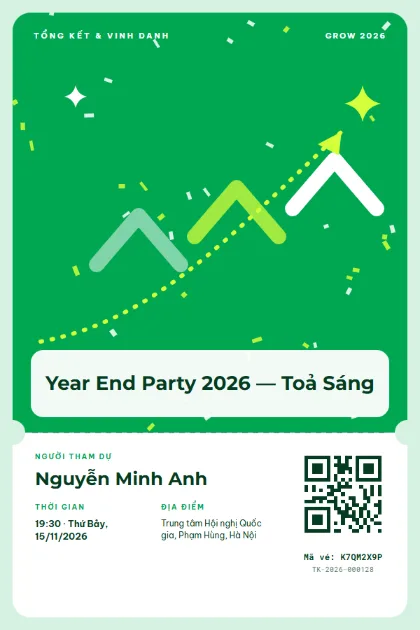
Green Growth 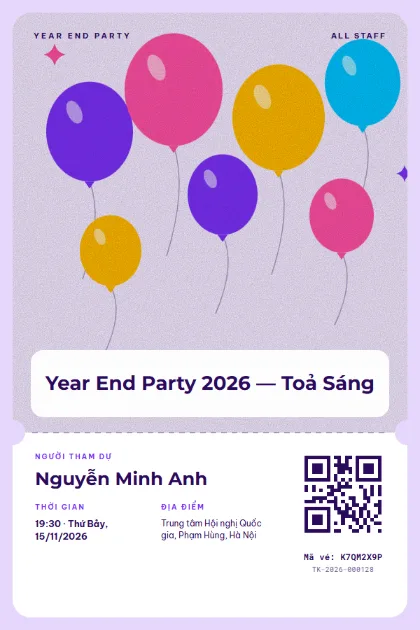
Purple Party 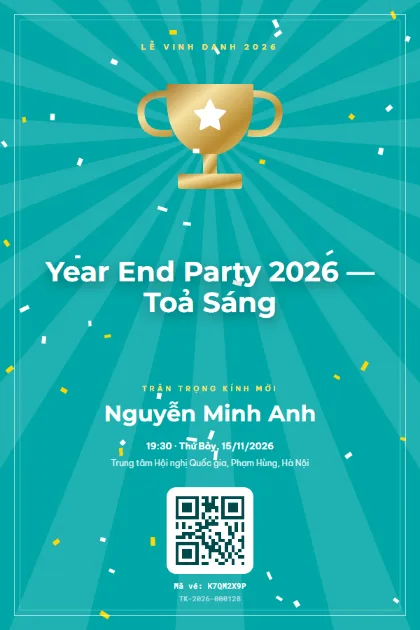
Teal Trophy 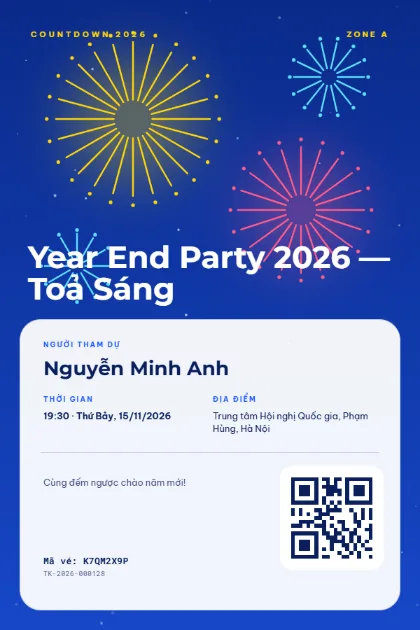
Navy Fireworks 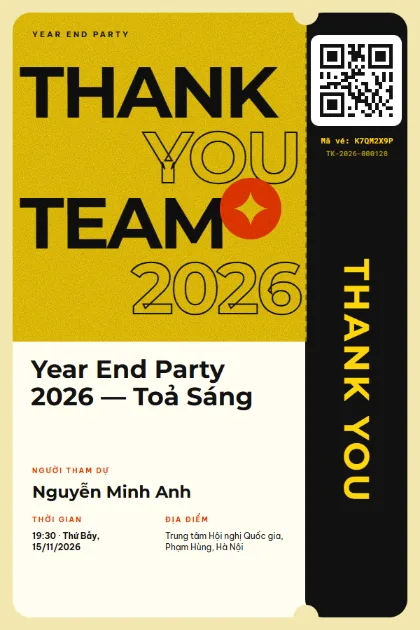
Thank You Team 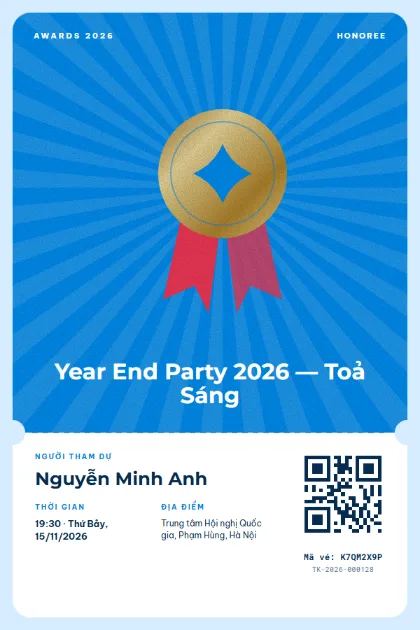
Sky Medal 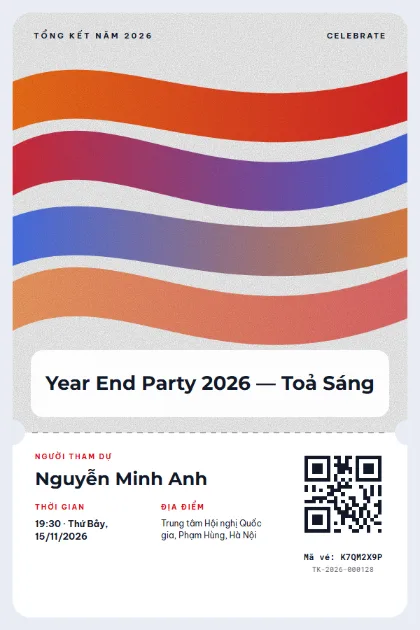
Brand Ribbons 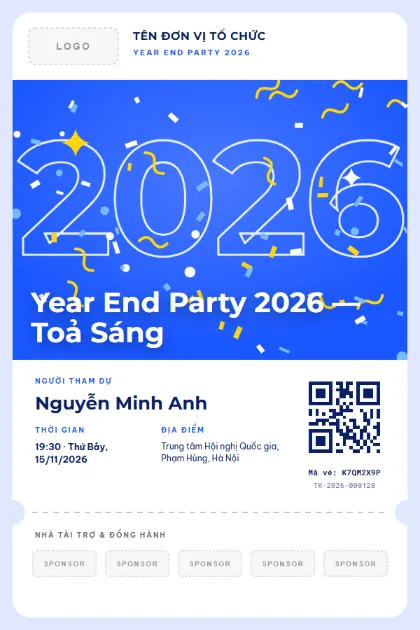
Company Year EndLogo · sponsors · photo 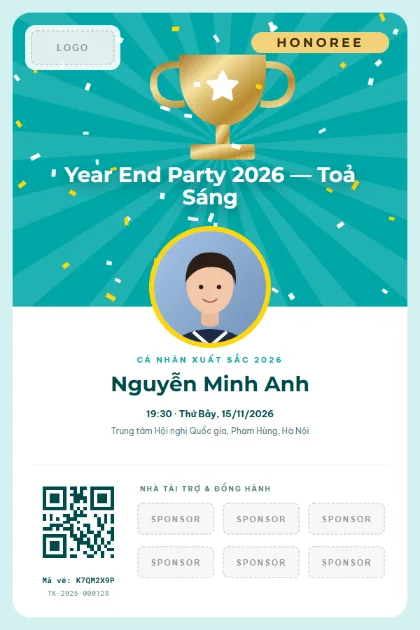
VIP HonoreeLogo · sponsors · photo 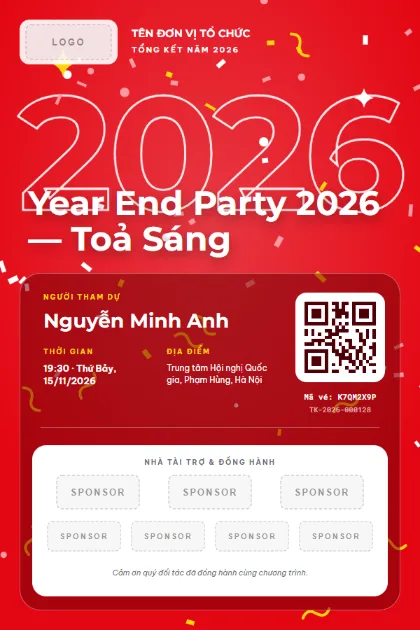
Red Gala PartnersLogo · sponsors · photo 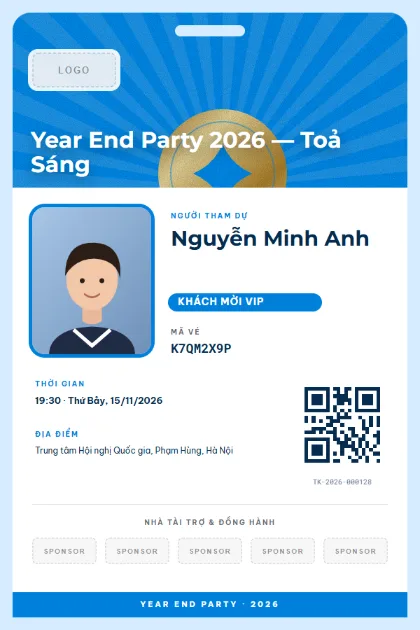
Staff BadgeLogo · sponsors · photo 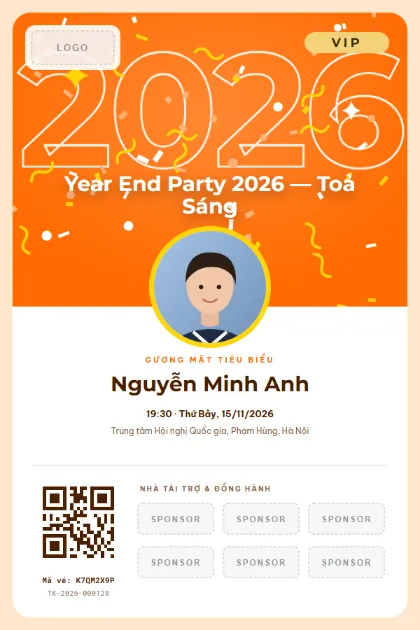
VIP Orange StarLogo · sponsors · photo
What to put on the ticket
- Party name and the theme of the year (for example "Shine 2026")
- Employee name and department
- Table number or seating area
- Dress code, if any
- Arrival time and start time
- QR code for check-in and lucky draw entry
Quick tips
- Print the table number on the ticket and the queue at the front desk shrinks.
- Use an awards template with a photo for winners. The ticket becomes a keepsake they want to show off.
- The same QR code works for the lucky draw at the end of the night, and only people who checked in can draw.
How to use a template
- 1
Pick a template
Click "Use this template", sign up for Tickmi Studio and the design appears in your ticket templates.
- 2
Make it yours
Change colours, fonts, logo and background, and add fields such as name, table number or ticket class in the drag-and-drop designer.
- 3
Add your list
Paste or import your attendees from Excel. Each ticket is filled in with a name and gets its own QR code.
- 4
Send and check in
Send tickets by email or Zalo. At the door, scan the QR code with a phone and see who has arrived in real time.
Frequently asked questions
Do year-end party tickets need a QR code?
They should. The front desk sees who has arrived, you can count meals per table, and the check-in list feeds the lucky draw.
Can I switch to our company colours?
Yes. Every template can be recoloured, with your own font, logo and background, in the drag-and-drop designer in Tickmi Studio.
How do I send tickets to employees?
Send bulk email from your company domain, or share a link over Zalo. Each person receives the ticket with their own name.