
Ticket templates for product launches
Tickets for product launches, keynotes and demo days: neon, gradient and frosted-glass styles that fit a tech event. Add your product image, logo and sponsors.
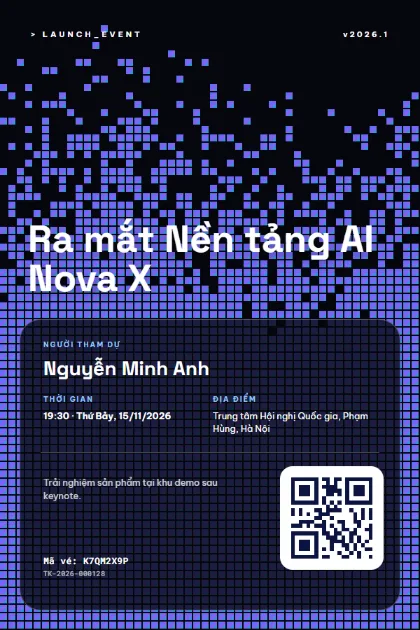
Dither Blue 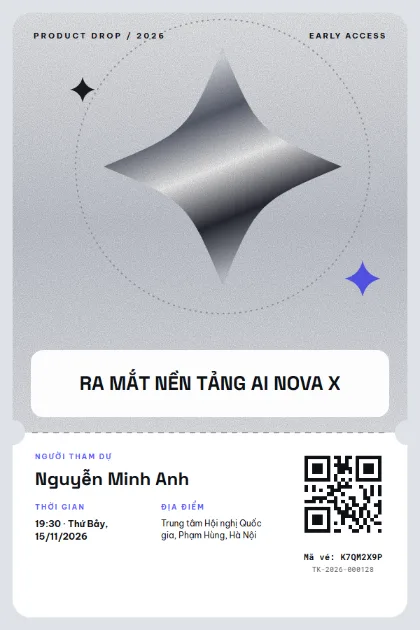
Silver Spark 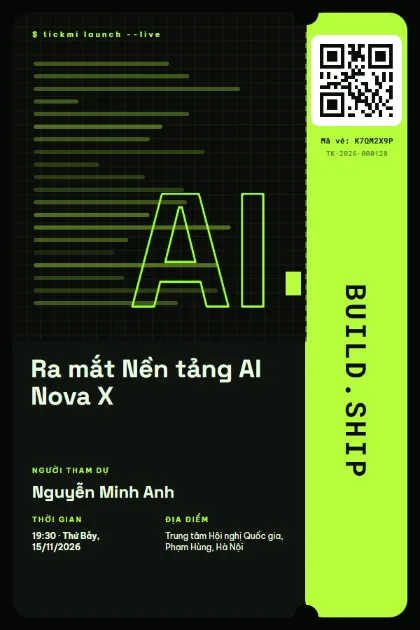
Terminal Lime 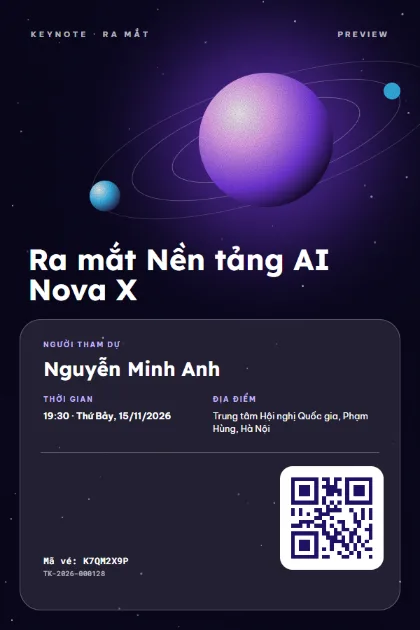
Orbit Keynote 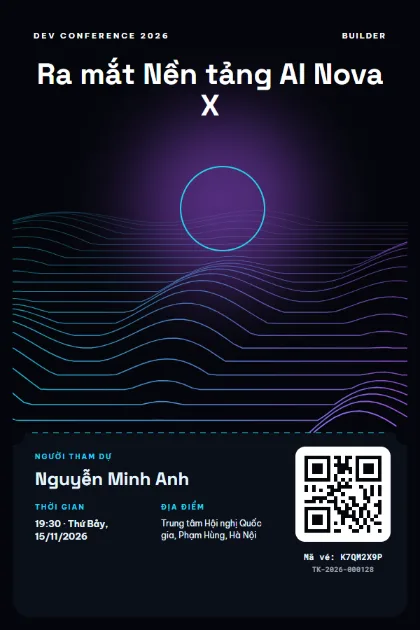
Wire Terrain 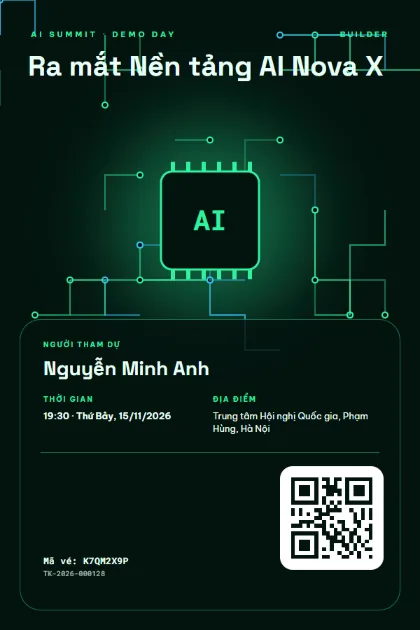
Circuit Board 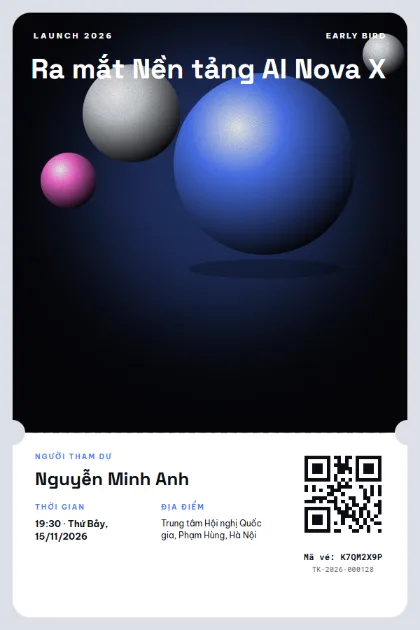
Chrome Orbs 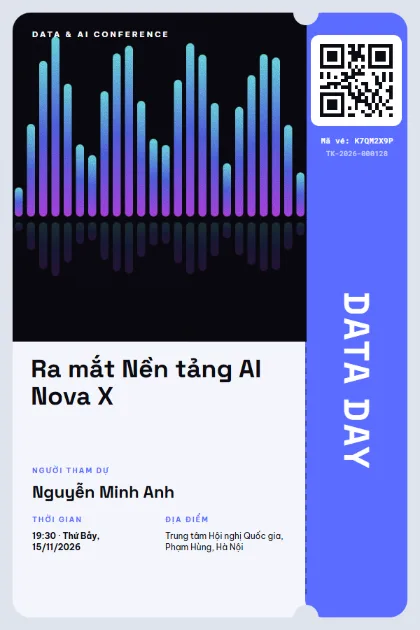
Data Bars 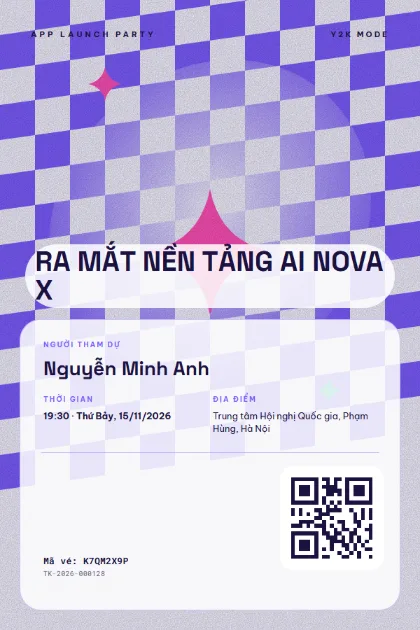
Y2K Checker 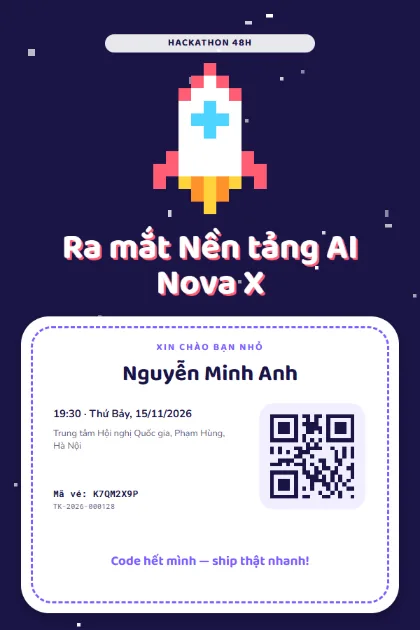
Pixel Rocket 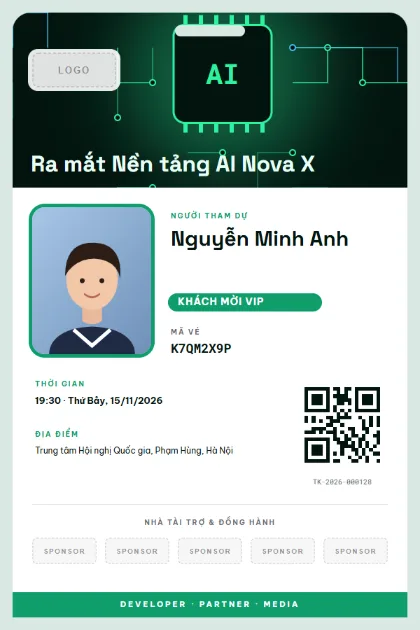
Tech BadgeLogo · sponsors · photo 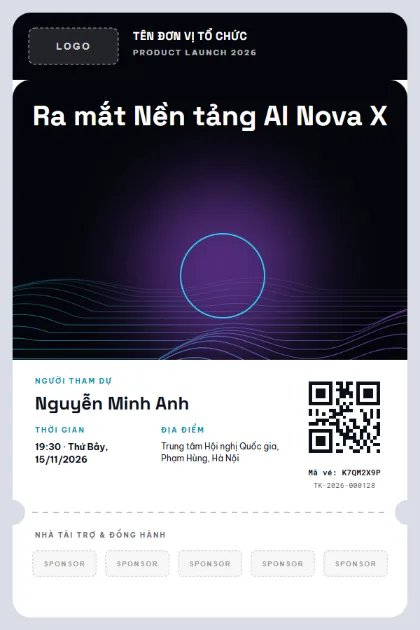
Launch PartnersLogo · sponsors · photo 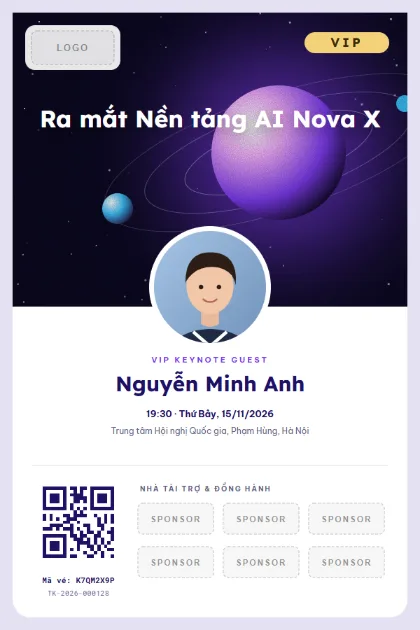
VIP KeynoteLogo · sponsors · photo 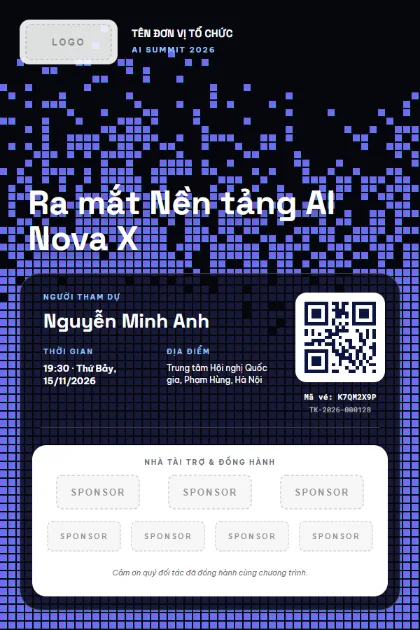
AI PartnersLogo · sponsors · photo 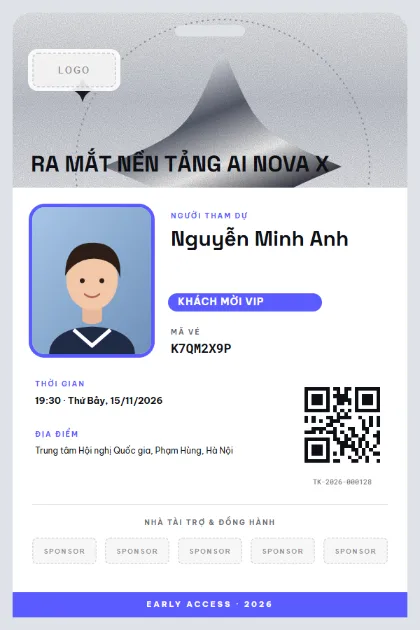
Chrome BadgeLogo · sponsors · photo
What to put on the ticket
- Product name and launch tagline
- Guest name and company (partner, press, creator)
- Ticket class: Press, Partner, VIP
- Arrival time and keynote time
- Venue and entrance
- QR code for check-in
Quick tips
- Put the product image on the top half of the ticket. When guests screenshot it, they are advertising for you.
- Separate press and creator tickets so you can count who arrived and send press kits to the right people.
- Keeping the product secret? Use a geometric template and reveal the real image after the launch.
How to use a template
- 1
Pick a template
Click "Use this template", sign up for Tickmi Studio and the design appears in your ticket templates.
- 2
Make it yours
Change colours, fonts, logo and background, and add fields such as name, table number or ticket class in the drag-and-drop designer.
- 3
Add your list
Paste or import your attendees from Excel. Each ticket is filled in with a name and gets its own QR code.
- 4
Send and check in
Send tickets by email or Zalo. At the door, scan the QR code with a phone and see who has arrived in real time.
Frequently asked questions
Do press guests need a separate ticket?
A Press class helps. Staff direct them to the right area, and you know which outlets showed up when you send the press release.
Can I limit the number of guests?
Yes. Set a capacity and the registration page closes when tickets run out.
If the event time changes, do tickets already sent update?
The guest's ticket page always shows the latest details. You can also email the whole list about the change.