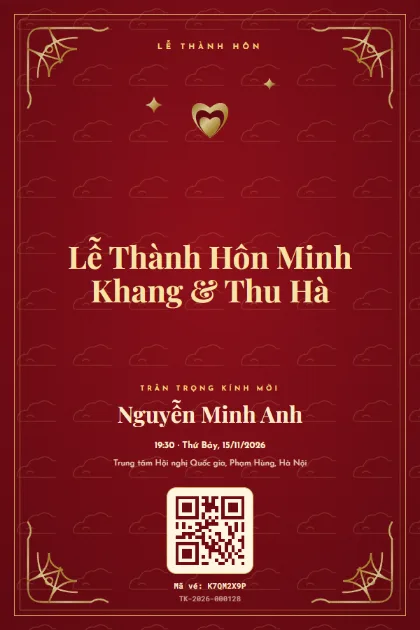
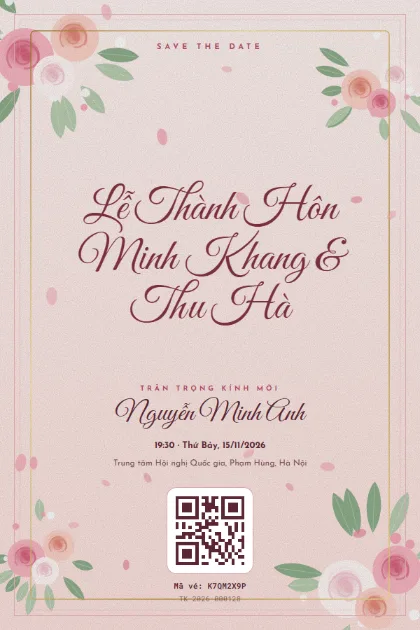
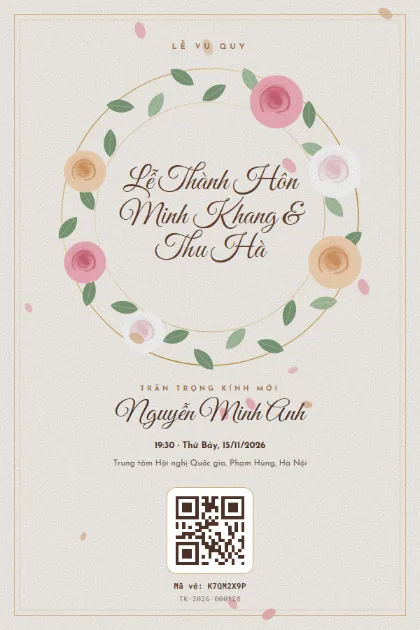
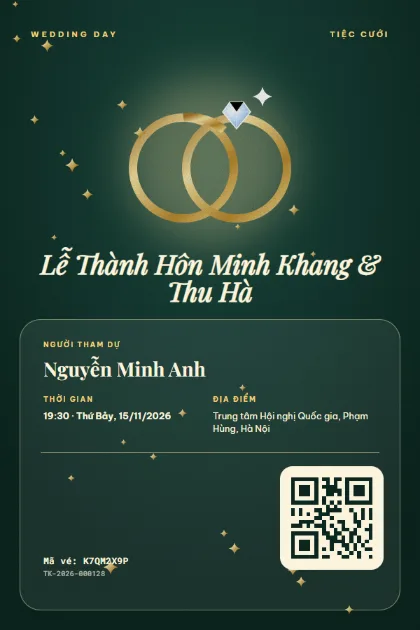
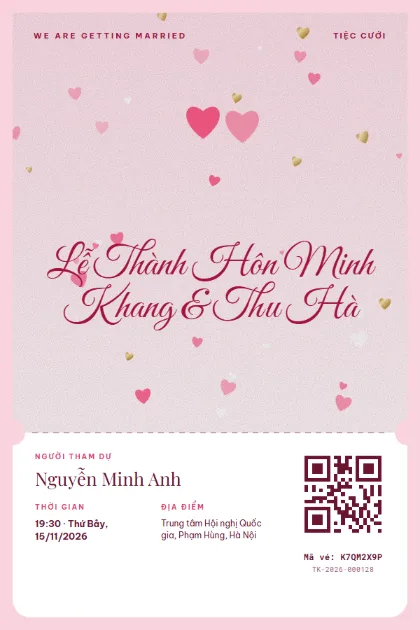
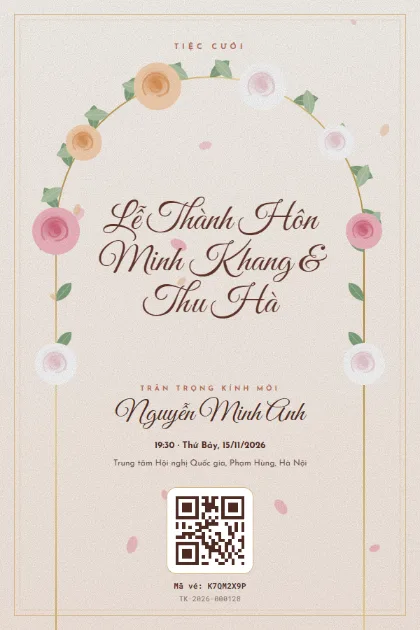
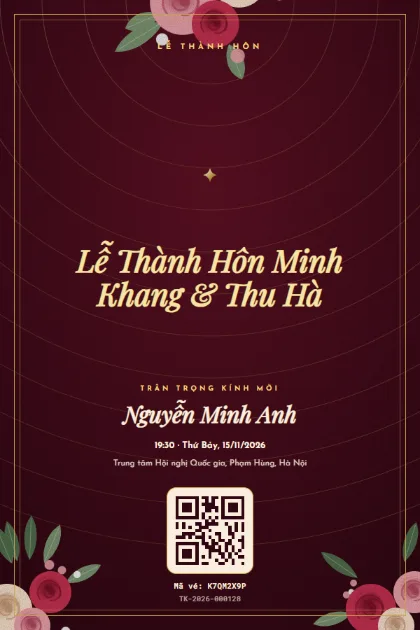
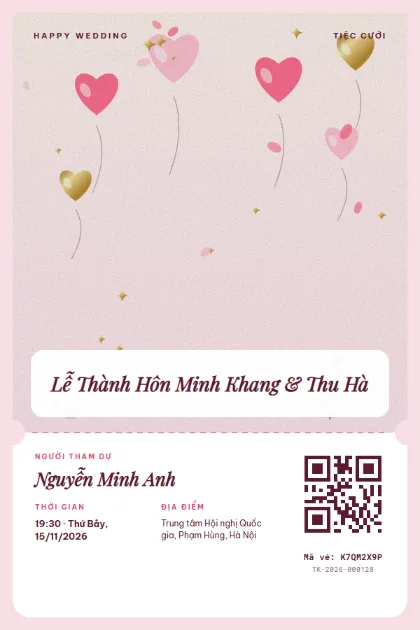
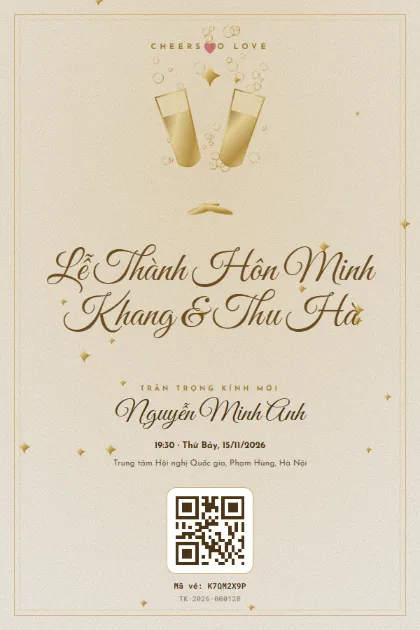
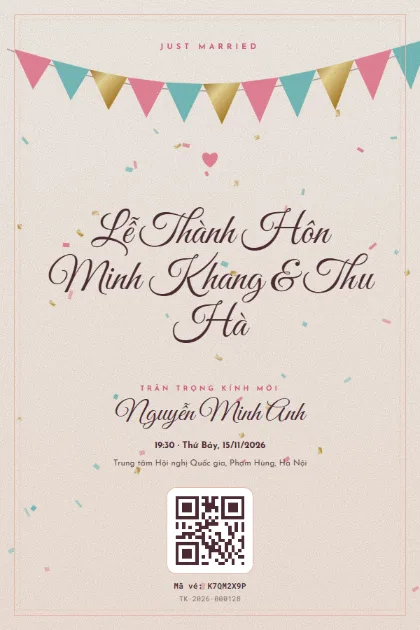
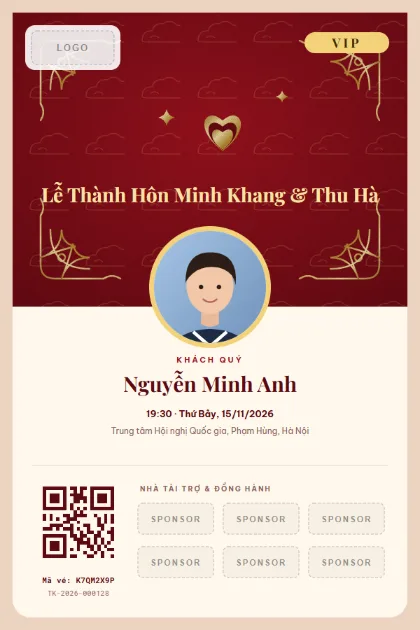
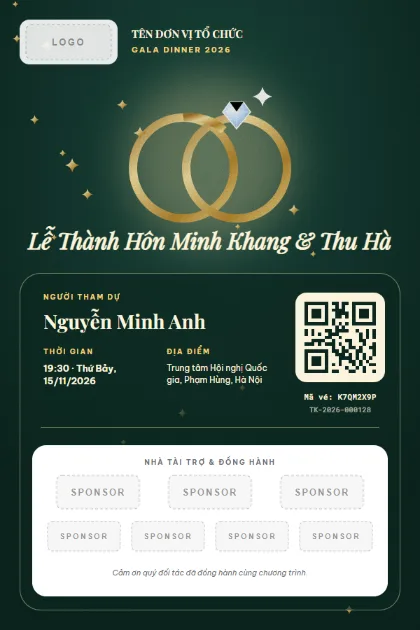
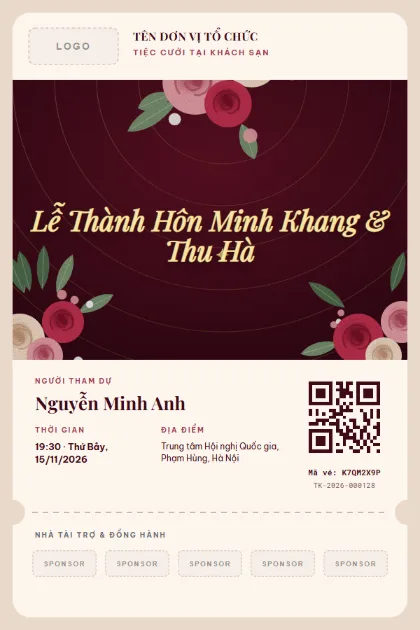
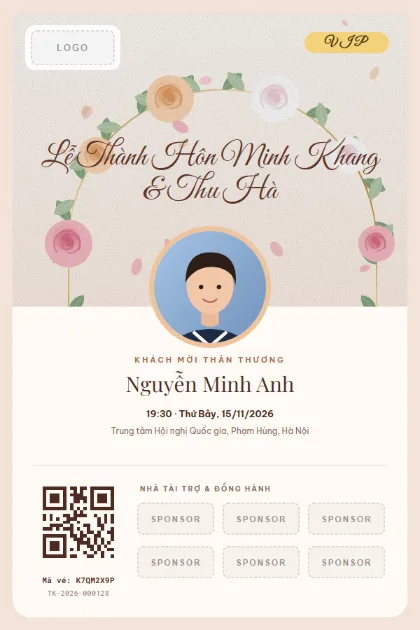
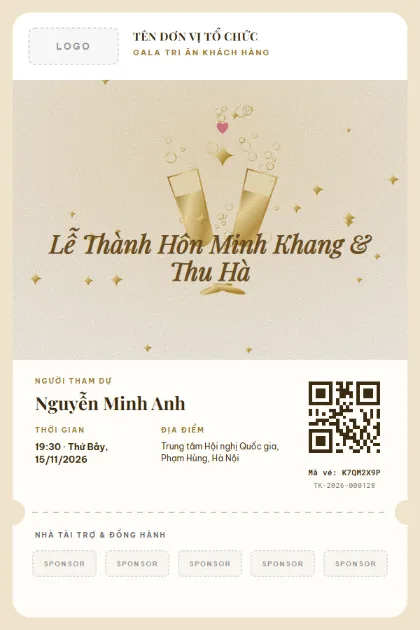
Tickets for gala nights, appreciation dinners and corporate weddings: red and gold, peonies, rings and metallic finishes. Corporate templates include slots for a logo, sponsors and a VIP photo.
Guest name, with "and partner" if invited as a couple
Table number and area (VIP, guests)
Dress code (black tie, ao dai...)
Arrival time, start time and venue
QR code for check-in
Quick tips
Put the dress code on the ticket so guests do not have to ask.
For couples, issue one ticket with both names and a headcount of 2, so the desk counts the right number of seats.
Gold on a dark background looks elegant, but keep the QR code on a light area so scanners read it fast.
How to use a template
1
Pick a template
Click "Use this template", sign up for Tickmi Studio and the design appears in your ticket templates.
2
Make it yours
Change colours, fonts, logo and background, and add fields such as name, table number or ticket class in the drag-and-drop designer.
3
Add your list
Paste or import your attendees from Excel. Each ticket is filled in with a name and gets its own QR code.
4
Send and check in
Send tickets by email or Zalo. At the door, scan the QR code with a phone and see who has arrived in real time.
Frequently asked questions
How is a gala ticket different from a gala invitation?
An invitation is the ask. A ticket carries its own QR code for check-in, a table number and a guest class. Many hosts send the invitation first and the ticket once the guest confirms.
Can I print physical tickets?
Yes. Download a PDF for one ticket or the whole list. The QR code on paper scans just as well.
What if VIP guests want their own look?
Use templates 11-15 with a guest photo frame. Each ticket shows that person's own photo and name.
Tickmi uses essential cookies to run this website and Google Analytics to measure page views and clicks so we can improve the product (only if you agree). Privacy policy