
Ticket templates for conferences and seminars
Tickets for conferences, customer events and forums: tech, geometric and frosted-glass styles. Templates 11-15 include slots for a logo, sponsors and an attendee photo.
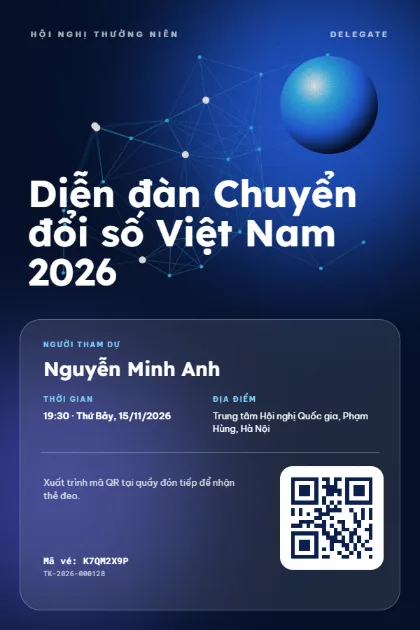
Network Glow 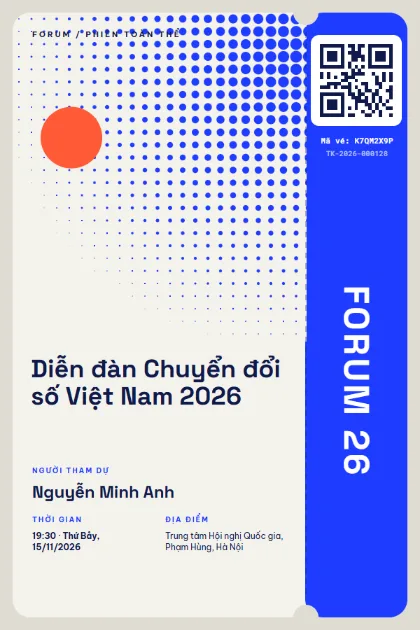
Halftone Forum 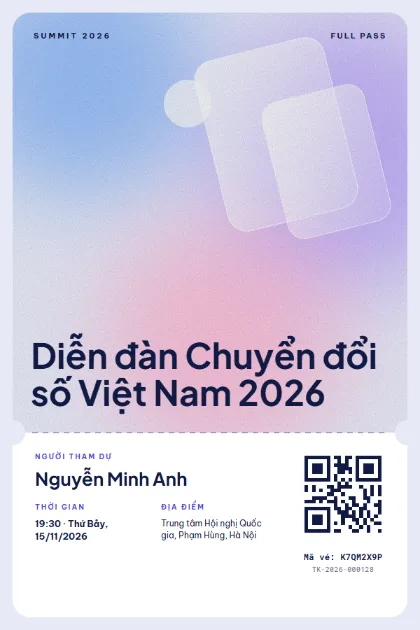
Glass Prism 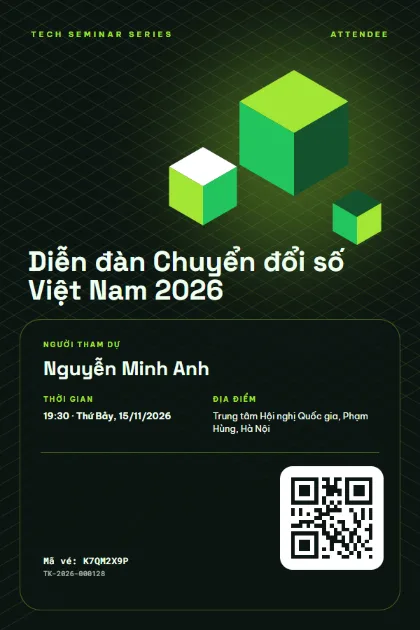
Iso Cubes 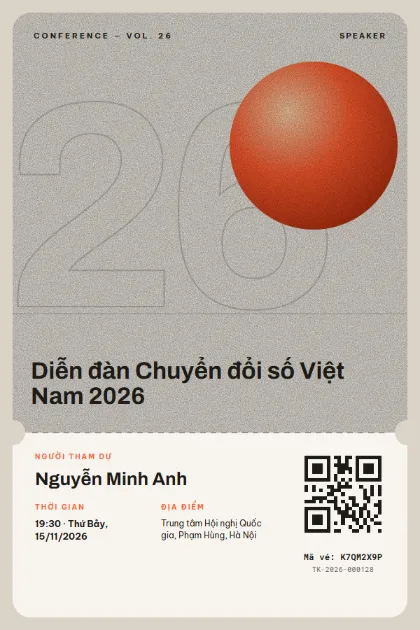
Numeral 26 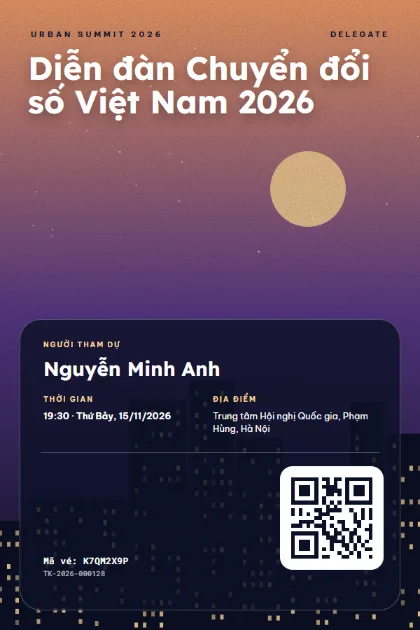
City Skyline 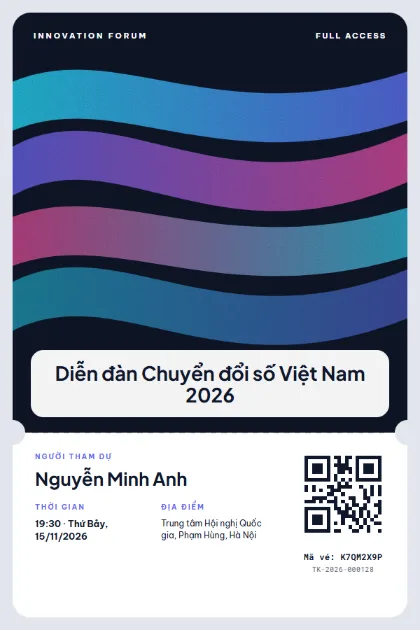
Flow Ribbons 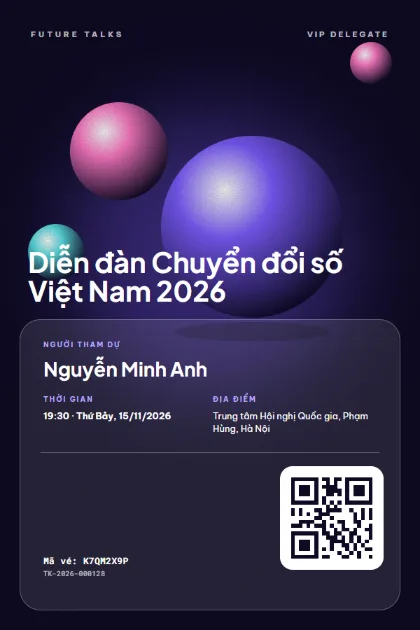
Glossy Spheres 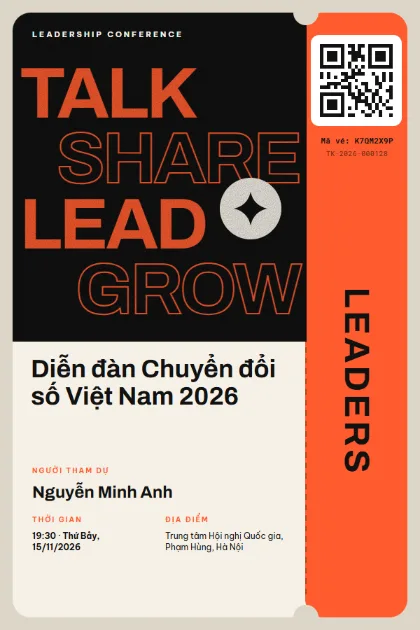
Bold Type 
Grid Quilt 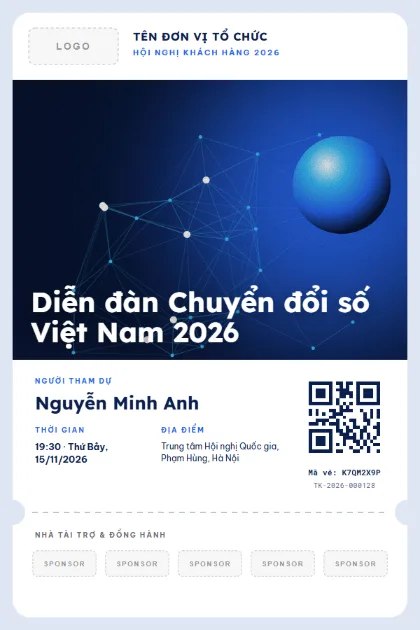
Corporate SummitLogo · sponsors · photo 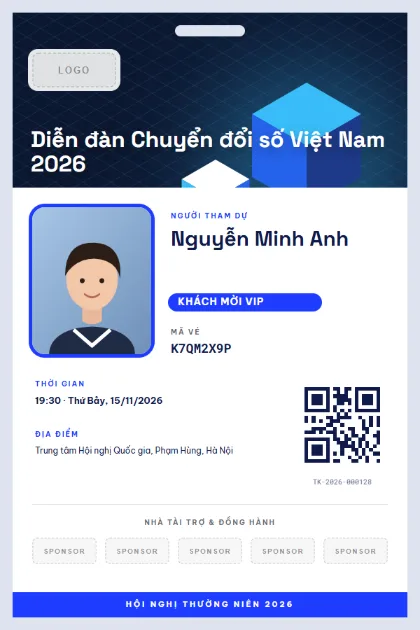
Delegate BadgeLogo · sponsors · photo 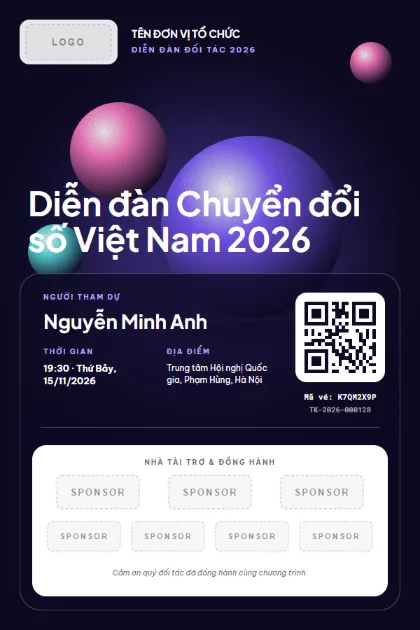
Partner ForumLogo · sponsors · photo 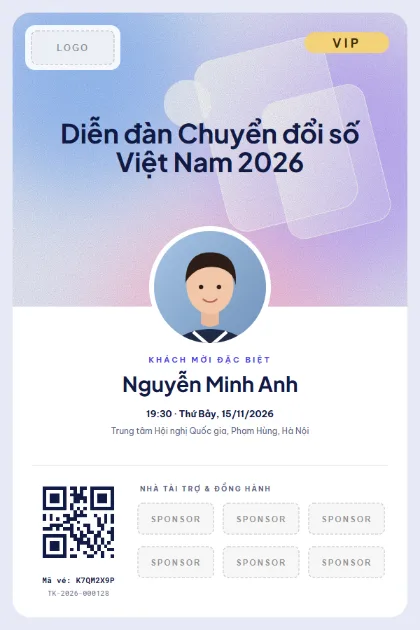
VIP DelegateLogo · sponsors · photo 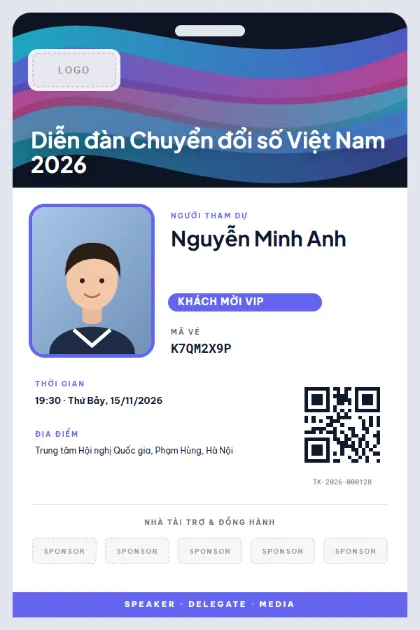
Speaker BadgeLogo · sponsors · photo
What to put on the ticket
- Event name and main session topic
- Attendee name, job title and company
- Ticket class: Guest, Speaker, Press, VIP
- Arrival time and opening time (two different times)
- Venue address, floor and room
- QR code for check-in and a backup ticket code in case the phone runs out of battery
Quick tips
- Set arrival 30 minutes before the opening and print both times, so guests reach check-in on time.
- Give each ticket class its own colour band (Speaker, Press, VIP) so staff can tell them apart at the door.
- The sponsor slot on a ticket is visibility for your partners. Do not leave it empty.
How to use a template
- 1
Pick a template
Click "Use this template", sign up for Tickmi Studio and the design appears in your ticket templates.
- 2
Make it yours
Change colours, fonts, logo and background, and add fields such as name, table number or ticket class in the drag-and-drop designer.
- 3
Add your list
Paste or import your attendees from Excel. Each ticket is filled in with a name and gets its own QR code.
- 4
Send and check in
Send tickets by email or Zalo. At the door, scan the QR code with a phone and see who has arrived in real time.
Frequently asked questions
Should conference tickets be portrait or landscape?
Portrait 2:3, like these templates, fills a phone screen, so guests can scan straight from the email. Landscape suits printed badges and hard tickets.
Can I print each delegate's name on the ticket?
Yes. Import your list from Excel and every ticket fills in name, title and company with its own QR code.
How does check-in work for a multi-session event?
Create a separate scanner account for each session. Each session counts its own entries and reports separately.