
Ticket templates for workshops and training
Tickets for workshops, masterclasses and in-house training: minimal, notebook and geometric styles. Use the QR code to take attendance at each session.
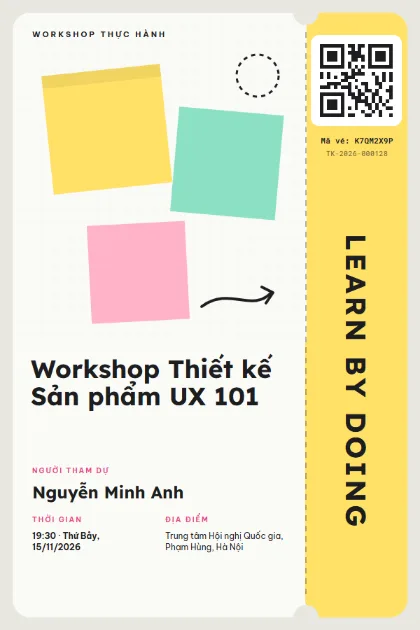
Sticky Notes 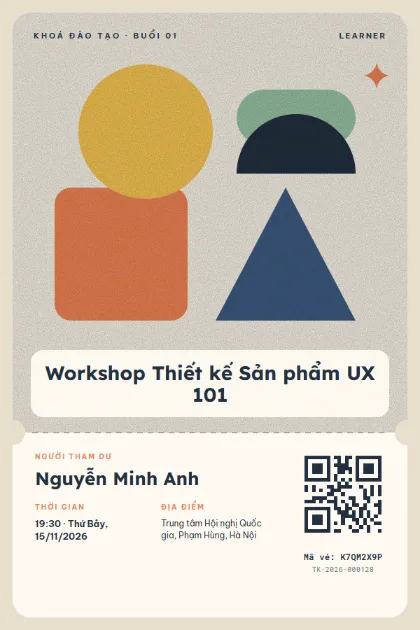
Building Blocks 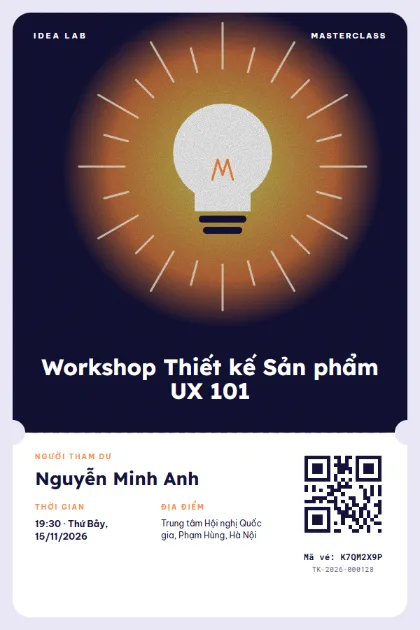
Bright Idea 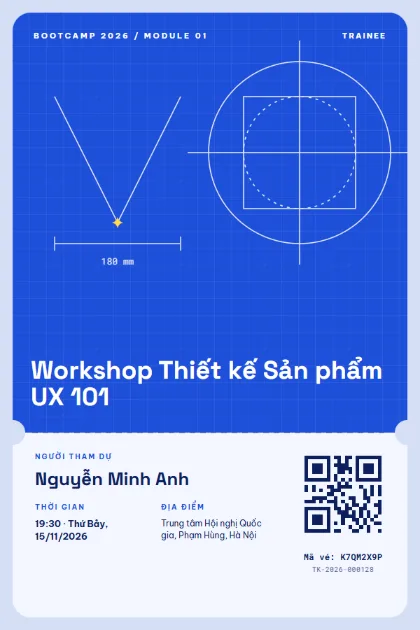
Blueprint 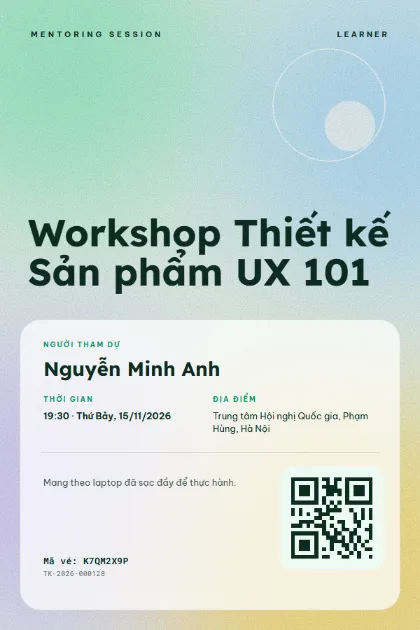
Fresh Mesh 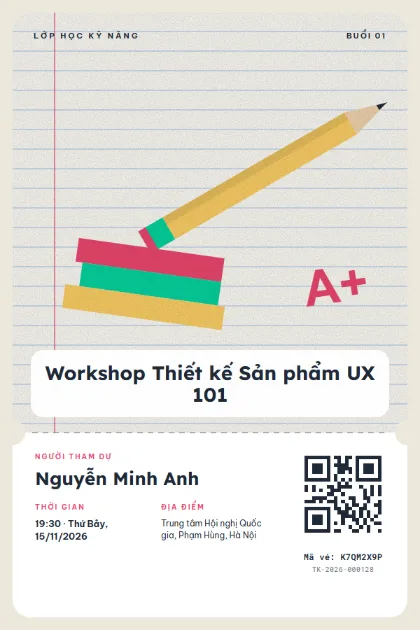
Notebook 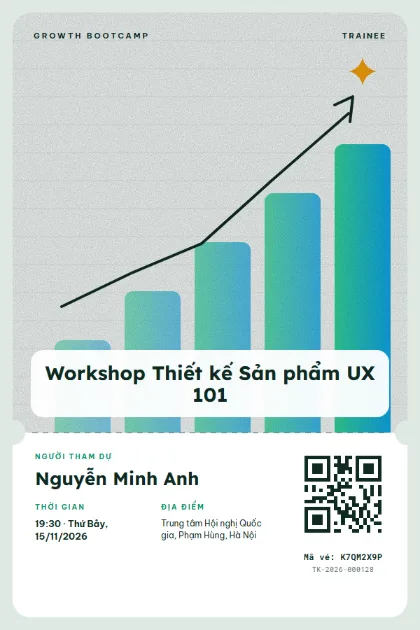
Growth Chart 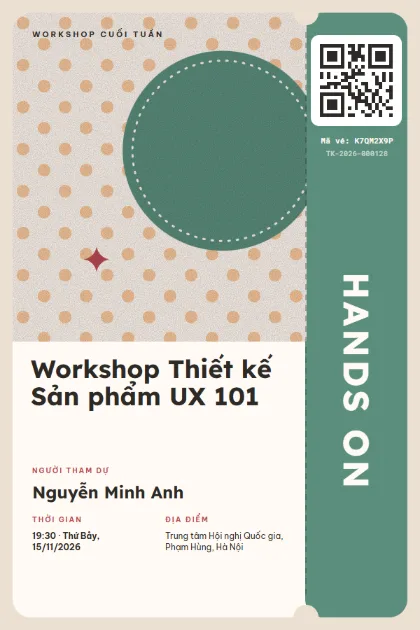
Polka Class 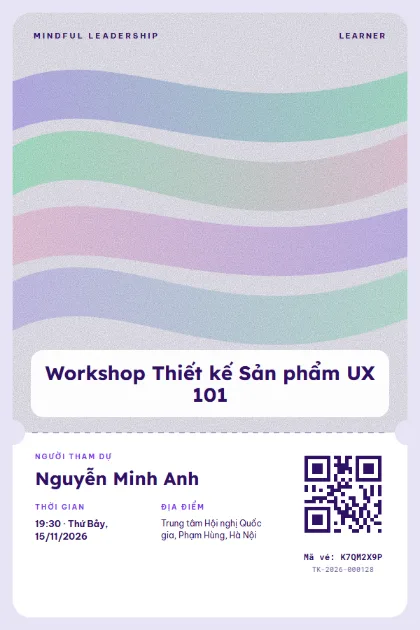
Pastel Flow 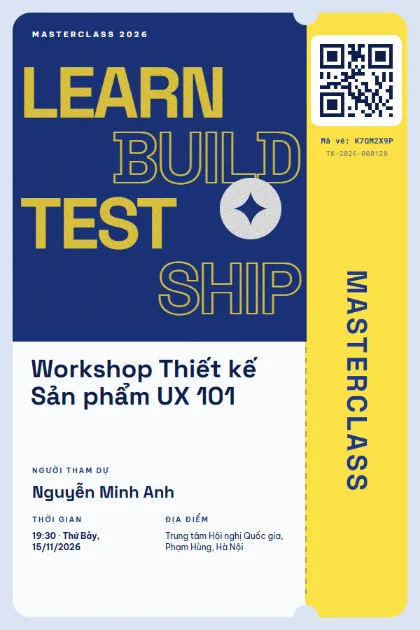
Learn Type 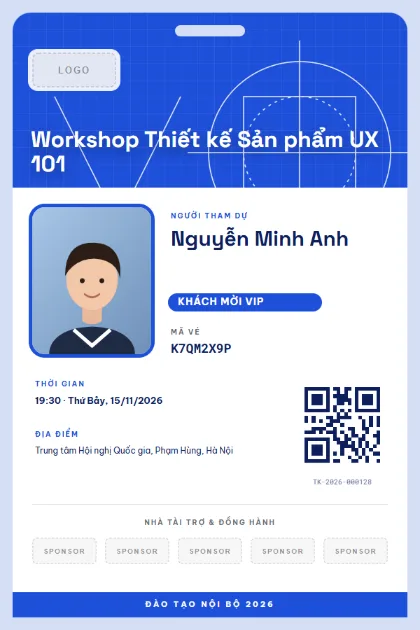
Trainee BadgeLogo · sponsors · photo 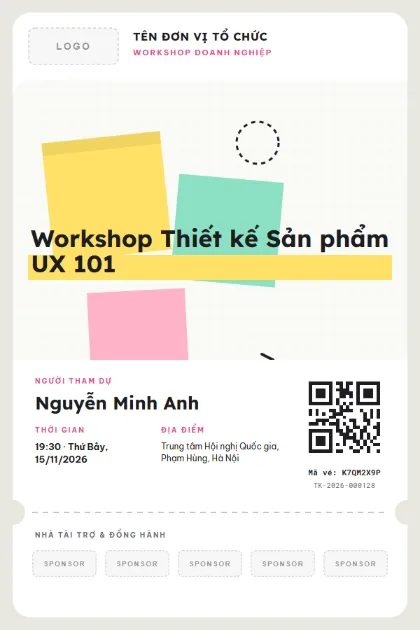
Workshop PartnersLogo · sponsors · photo 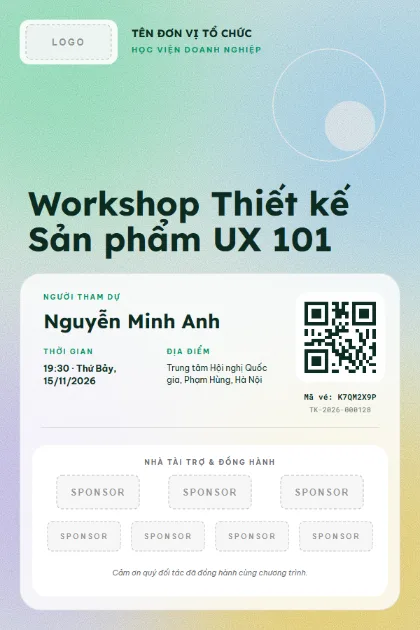
Academy PartnersLogo · sponsors · photo 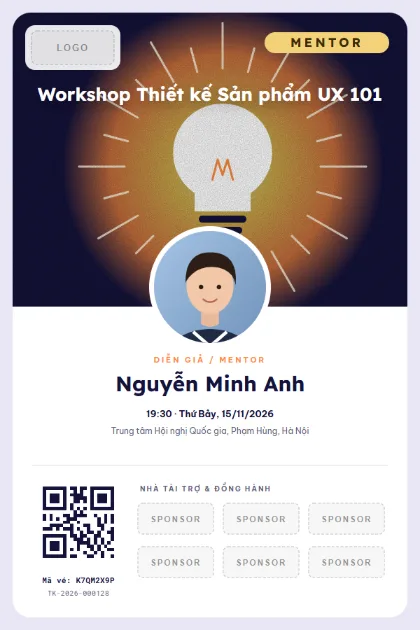
VIP MentorLogo · sponsors · photo 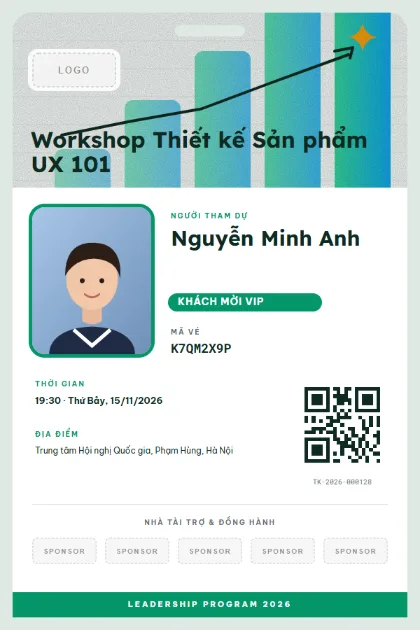
Leader BadgeLogo · sponsors · photo
What to put on the ticket
- Workshop name and instructor
- Attendee name
- Session or time slot (for multi-session courses)
- What to bring (laptop, pen)
- Address and room
- QR code for attendance
Quick tips
- Write "bring a laptop" on the ticket and save yourself a reminder email.
- For multi-session courses, use one ticket that scans several times, with attendance taken per session.
- After the session, send a survey to the list of people who checked in.
How to use a template
- 1
Pick a template
Click "Use this template", sign up for Tickmi Studio and the design appears in your ticket templates.
- 2
Make it yours
Change colours, fonts, logo and background, and add fields such as name, table number or ticket class in the drag-and-drop designer.
- 3
Add your list
Paste or import your attendees from Excel. Each ticket is filled in with a name and gets its own QR code.
- 4
Send and check in
Send tickets by email or Zalo. At the door, scan the QR code with a phone and see who has arrived in real time.
Frequently asked questions
Can one ticket cover several sessions?
Yes. Set the number of check-ins per ticket, and the report shows which sessions each attendee missed.
Can I charge a fee through the ticket?
You can sell tickets online through Tickmi Ticket, or issue tickets at no charge to internal trainees.
Does internal training need a nice template?
Not required, but a ticket with your logo and each person's name looks professional, and attendance tends to be better.