
Ticket templates for exhibitions and the arts
Tickets for exhibitions, theatre and cultural events: ink wash, Bauhaus, lacquer and Art Deco. A good fit for timed-entry tickets.
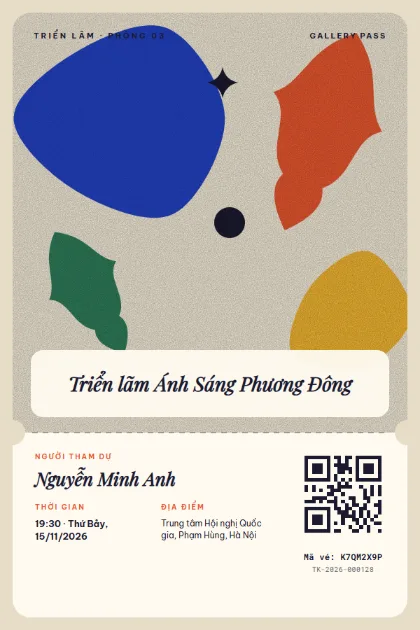
Cut-out Matisse 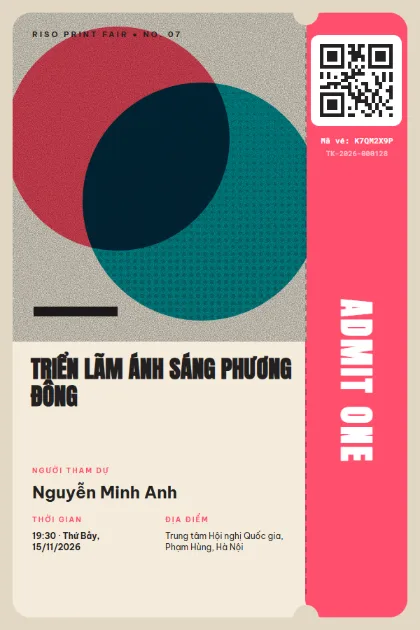
Riso Print 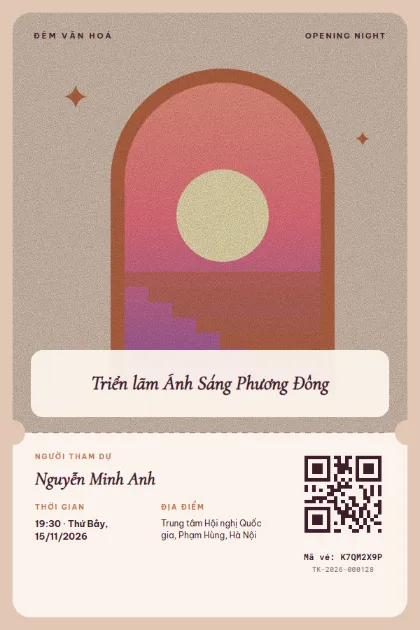
Dream Arch 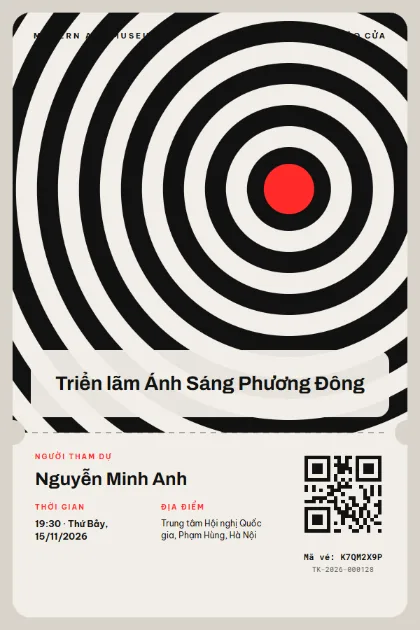
Op-Art Ripple 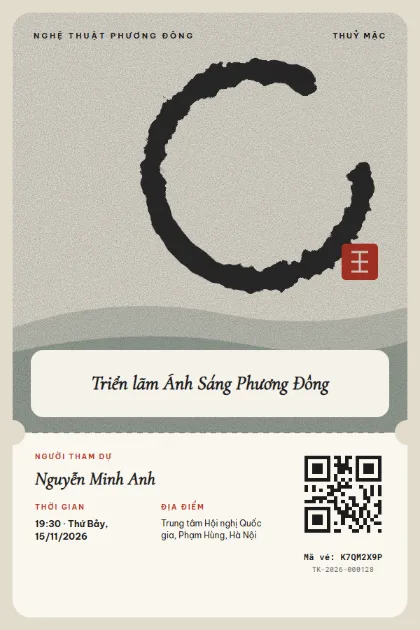
Ink Enso 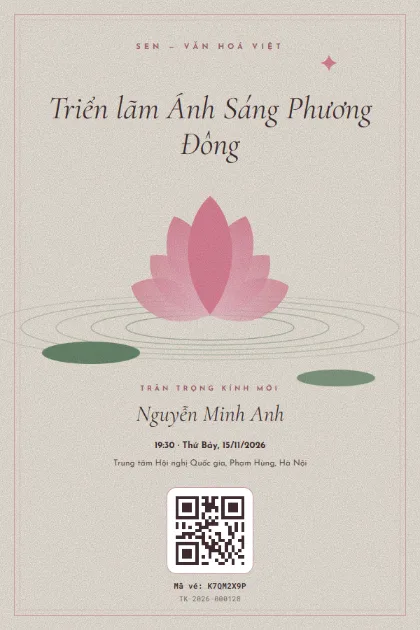
Lotus Pond 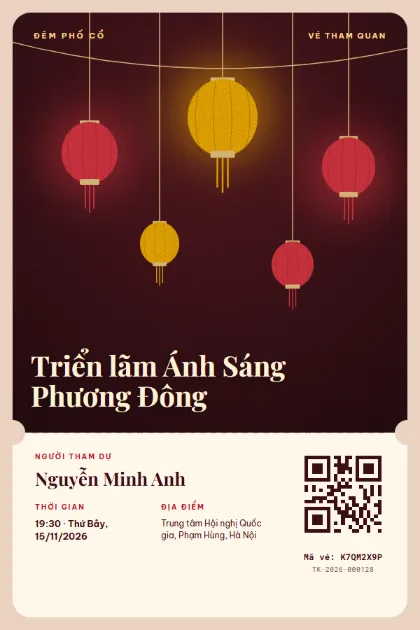
Lantern Street 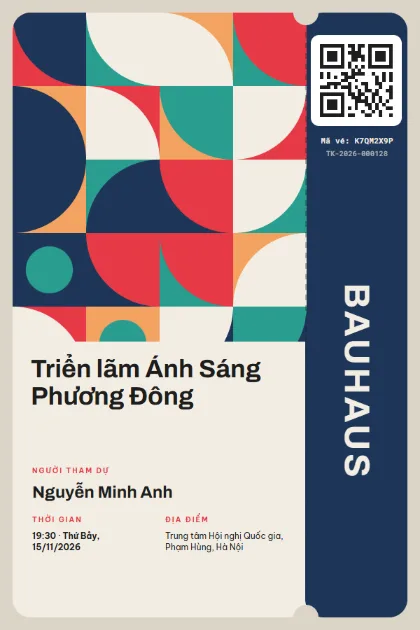
Bauhaus Quilt 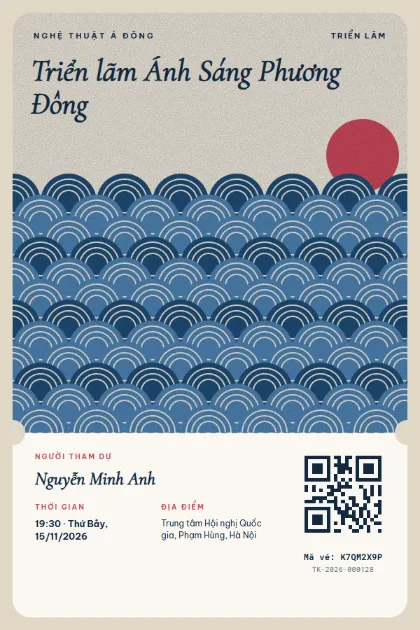
Seigaiha Waves 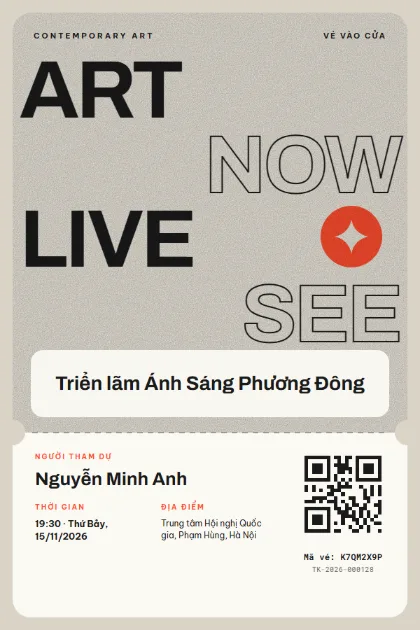
Gallery Type 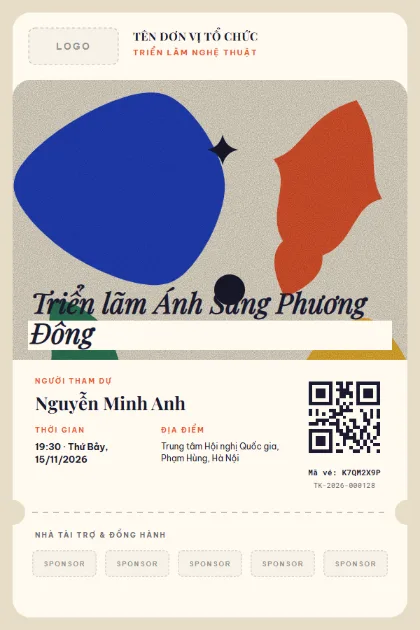
Gallery PartnersLogo · sponsors · photo 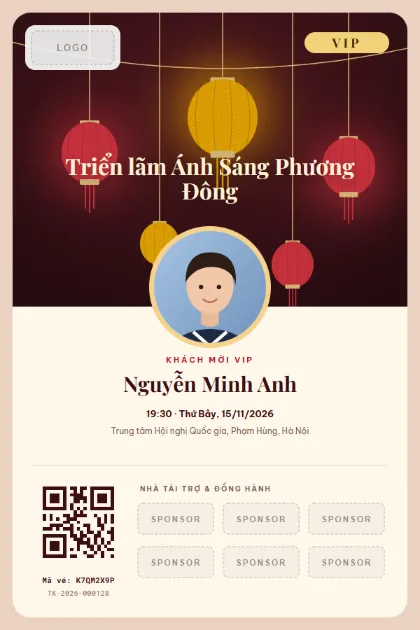
VIP Lantern NightLogo · sponsors · photo 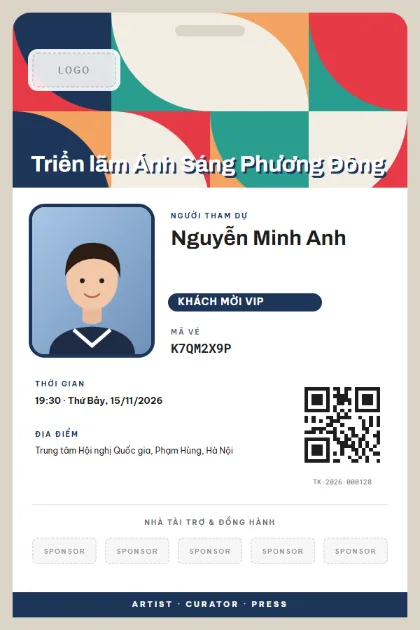
Curator BadgeLogo · sponsors · photo 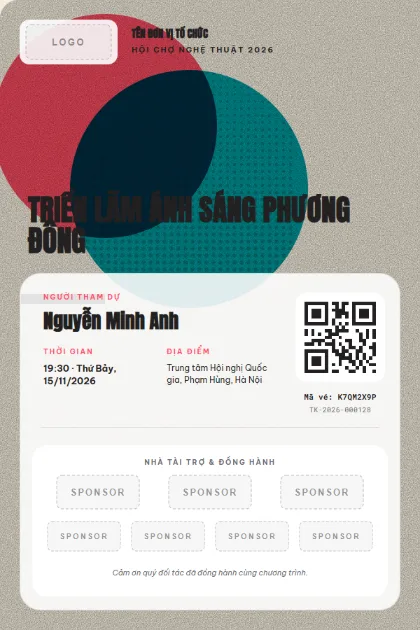
Art Fair PartnersLogo · sponsors · photo 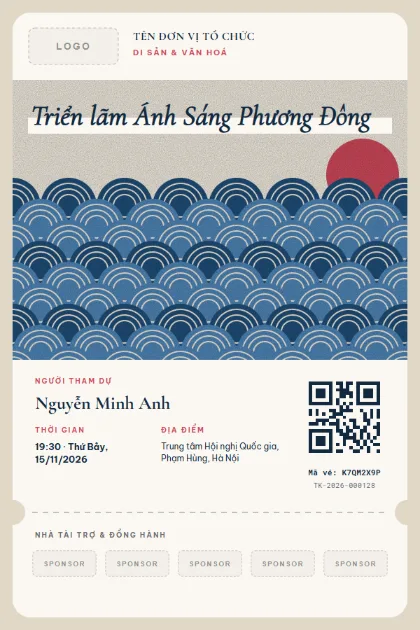
Heritage PartnersLogo · sponsors · photo
What to put on the ticket
- Exhibition name, artist and organiser
- Date and visiting time slot
- Ticket type: adult, student, group
- Venue and gallery room
- House rules: photography, children
- QR code for check-in
Quick tips
- Split tickets by time slot so galleries do not get overcrowded.
- For a multi-day exhibition, use one ticket that scans many times or a ticket per day, depending on how you sell.
- Pick a template that matches the spirit of the work, and the ticket becomes part of the experience.
How to use a template
- 1
Pick a template
Click "Use this template", sign up for Tickmi Studio and the design appears in your ticket templates.
- 2
Make it yours
Change colours, fonts, logo and background, and add fields such as name, table number or ticket class in the drag-and-drop designer.
- 3
Add your list
Paste or import your attendees from Excel. Each ticket is filled in with a name and gets its own QR code.
- 4
Send and check in
Send tickets by email or Zalo. At the door, scan the QR code with a phone and see who has arrived in real time.
Frequently asked questions
Can I sell tickets by time slot?
Yes. Each time slot is its own ticket type with its own quantity, and sales stop when it is full.
How does check-in work at a fair with many booths?
Give each booth its own scanner account and see visit counts per booth.
Can international visitors read the ticket?
You can change the ticket text to English or bilingual in the designer.