
Ticket templates for school events and kids
Tickets for graduation ceremonies, end-of-year shows, kids days and open days: kawaii, bright colours and graduation caps.
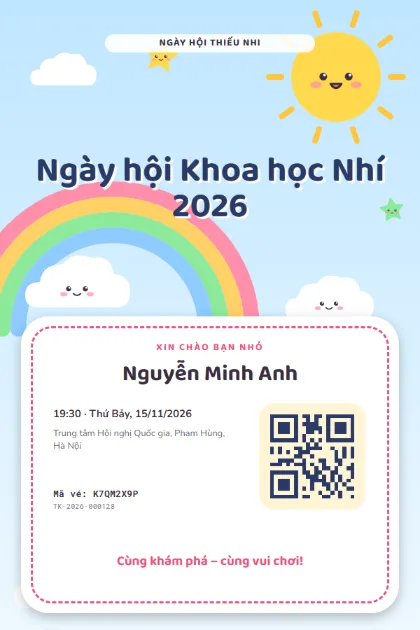
Kawaii Sky 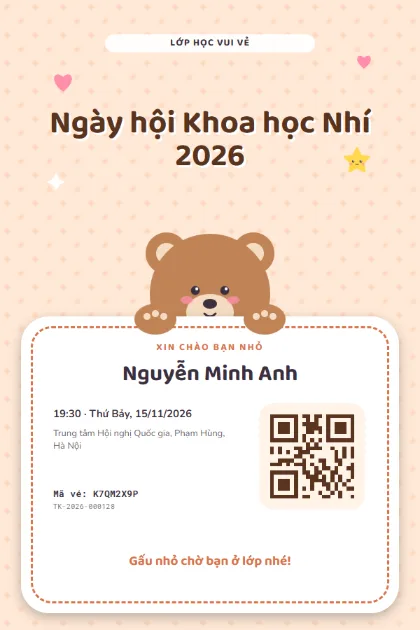
Bear Hug 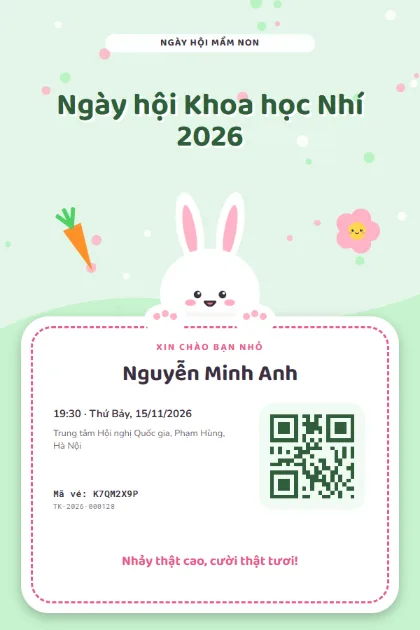
Bunny Hop 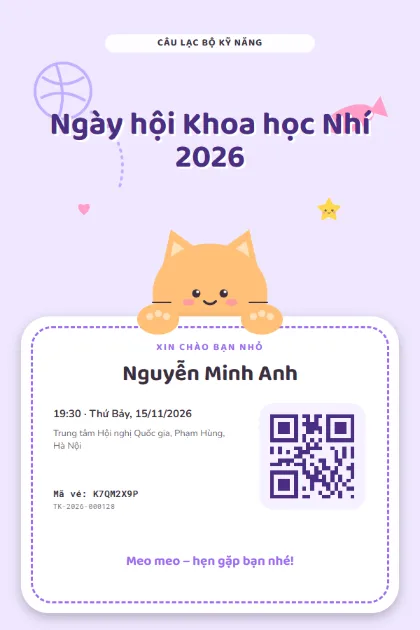
Kitty Club 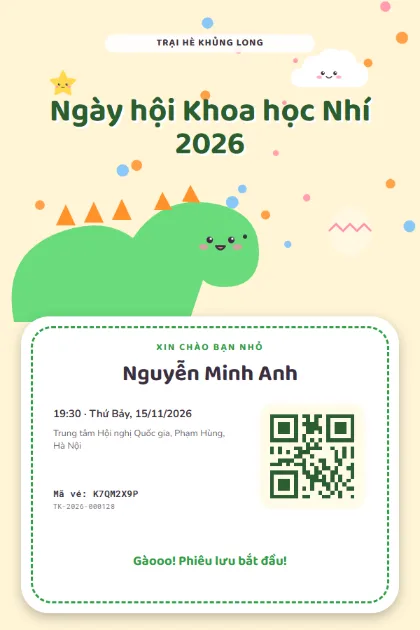
Dino Pals 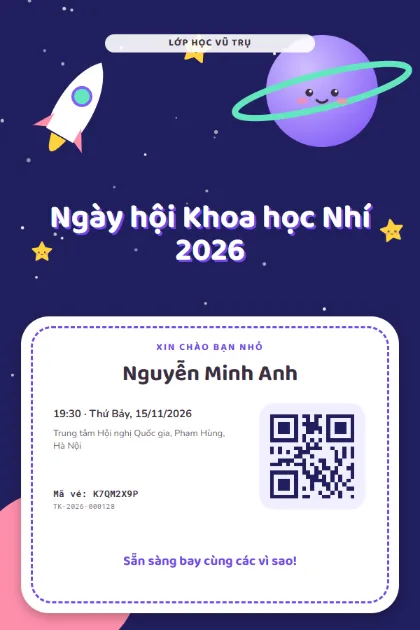
Space Buddies 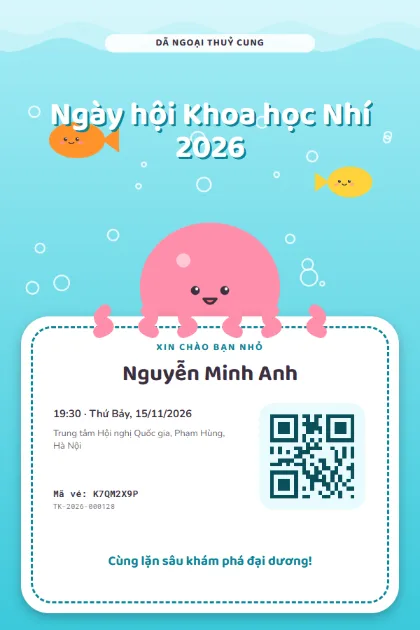
Octopus Sea 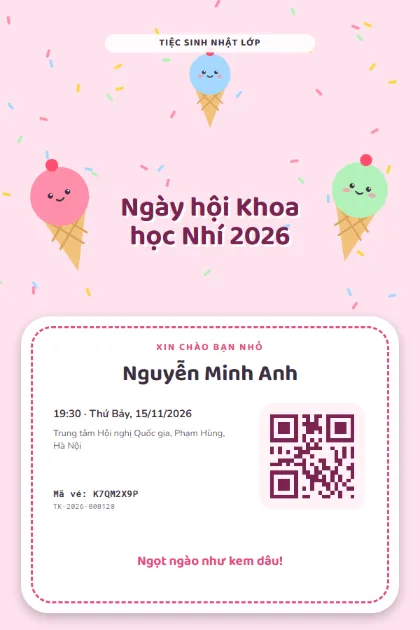
Sweet Treats 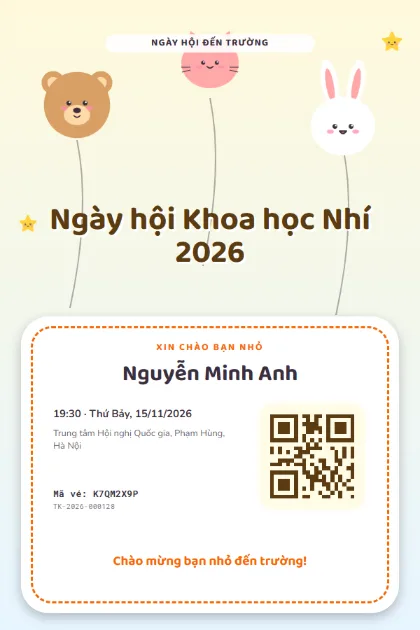
Animal Balloons 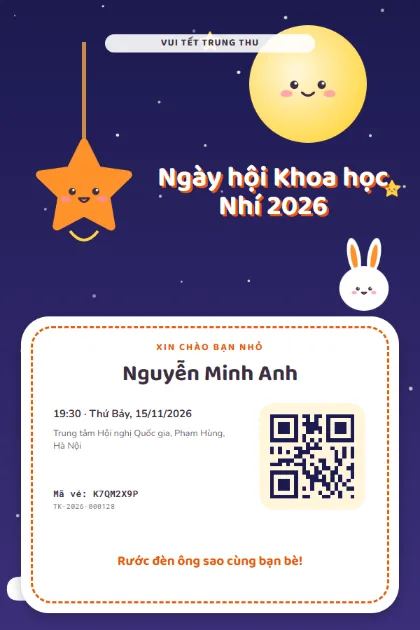
Mid-Autumn Kawaii 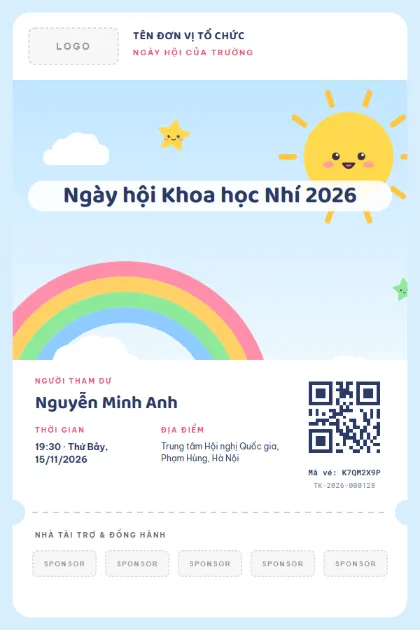
School DayLogo · sponsors · photo 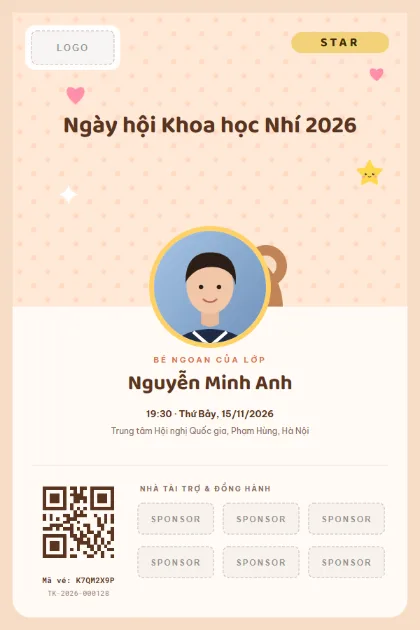
Student StarLogo · sponsors · photo 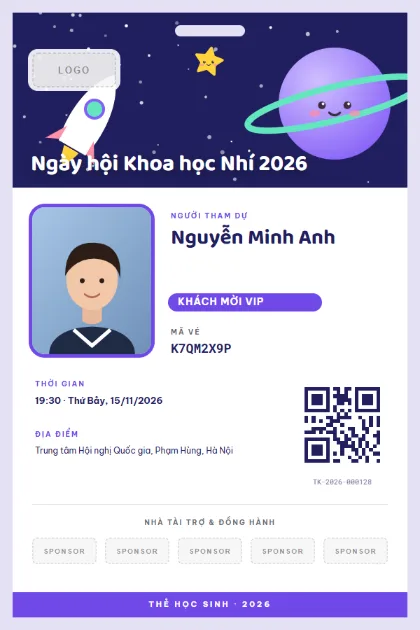
Student CardLogo · sponsors · photo 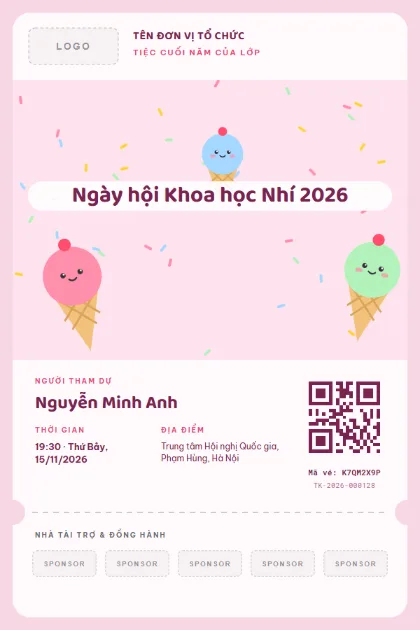
Class PartyLogo · sponsors · photo 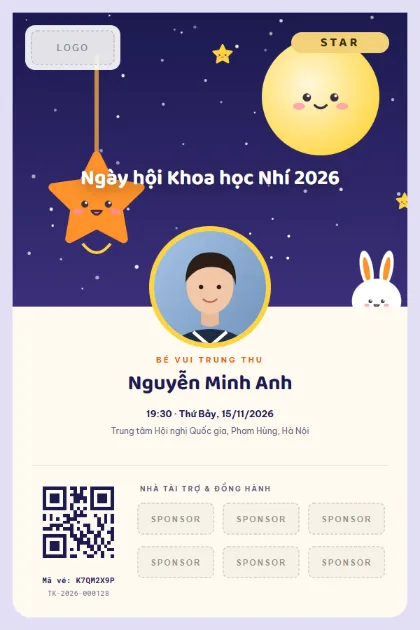
Mid-Autumn StarLogo · sponsors · photo
What to put on the ticket
- Event name and school
- Student name and class
- Number of accompanying guests (parents)
- Arrival time and start time
- Hall and parents' seating area
- QR code for check-in
Quick tips
- Print the number of accompanying parents on the ticket so the school can prepare enough seats.
- For graduations, send tickets to students and let them forward the link to their family.
- For kids days, use bright colours and large text so parents can read it quickly on a phone.
How to use a template
- 1
Pick a template
Click "Use this template", sign up for Tickmi Studio and the design appears in your ticket templates.
- 2
Make it yours
Change colours, fonts, logo and background, and add fields such as name, table number or ticket class in the drag-and-drop designer.
- 3
Add your list
Paste or import your attendees from Excel. Each ticket is filled in with a name and gets its own QR code.
- 4
Send and check in
Send tickets by email or Zalo. At the door, scan the QR code with a phone and see who has arrived in real time.
Frequently asked questions
How do I make a ticket when a student invites 2 parents?
Use one ticket with a headcount of 3, or issue 2 parent tickets linked to the student's name.
Can a school use Tickmi at no charge?
You get trial ticket credits when you sign up, enough for a small event. See pricing for larger ones.
Do parents need to install an app?
No. The ticket opens from a link in email or Zalo, and they show the QR code at the welcome desk.